A fun web application where you draw on a canvas and Google's Gemini AI tries to guess what you've drawn!
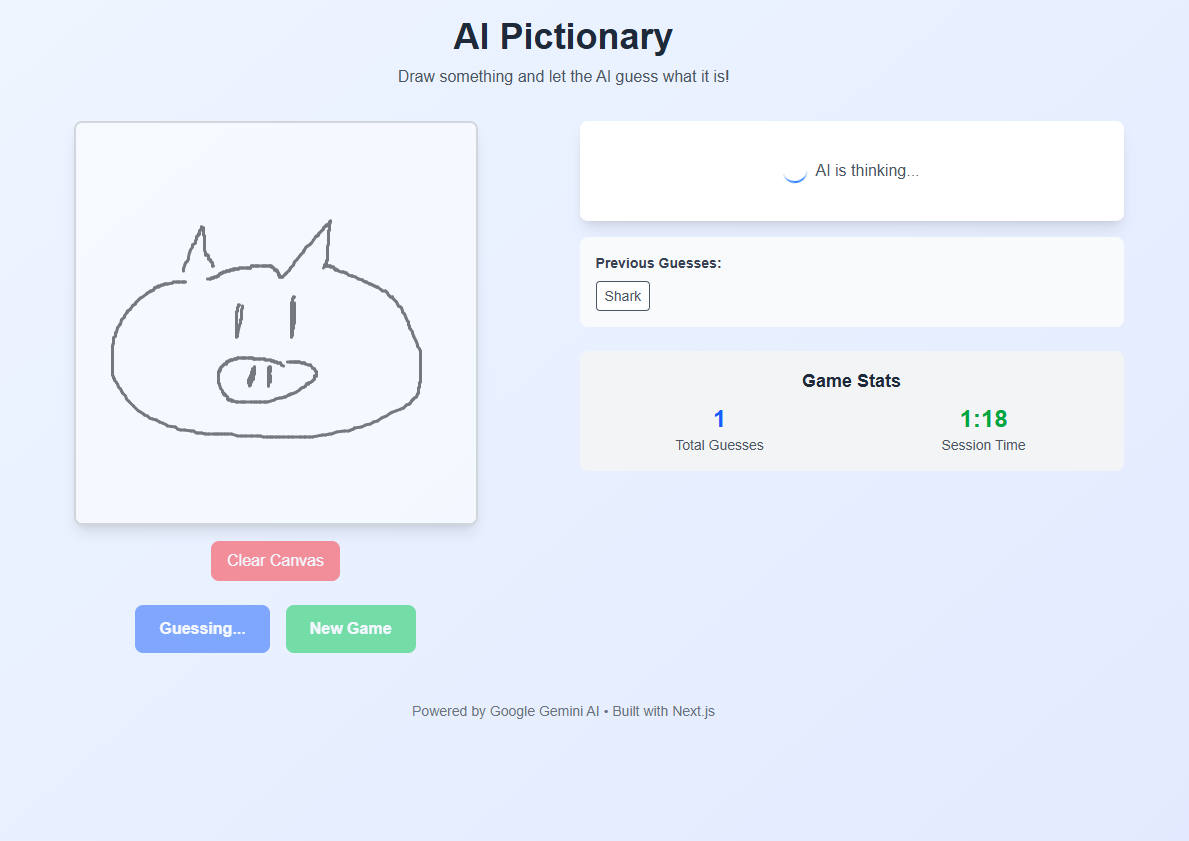
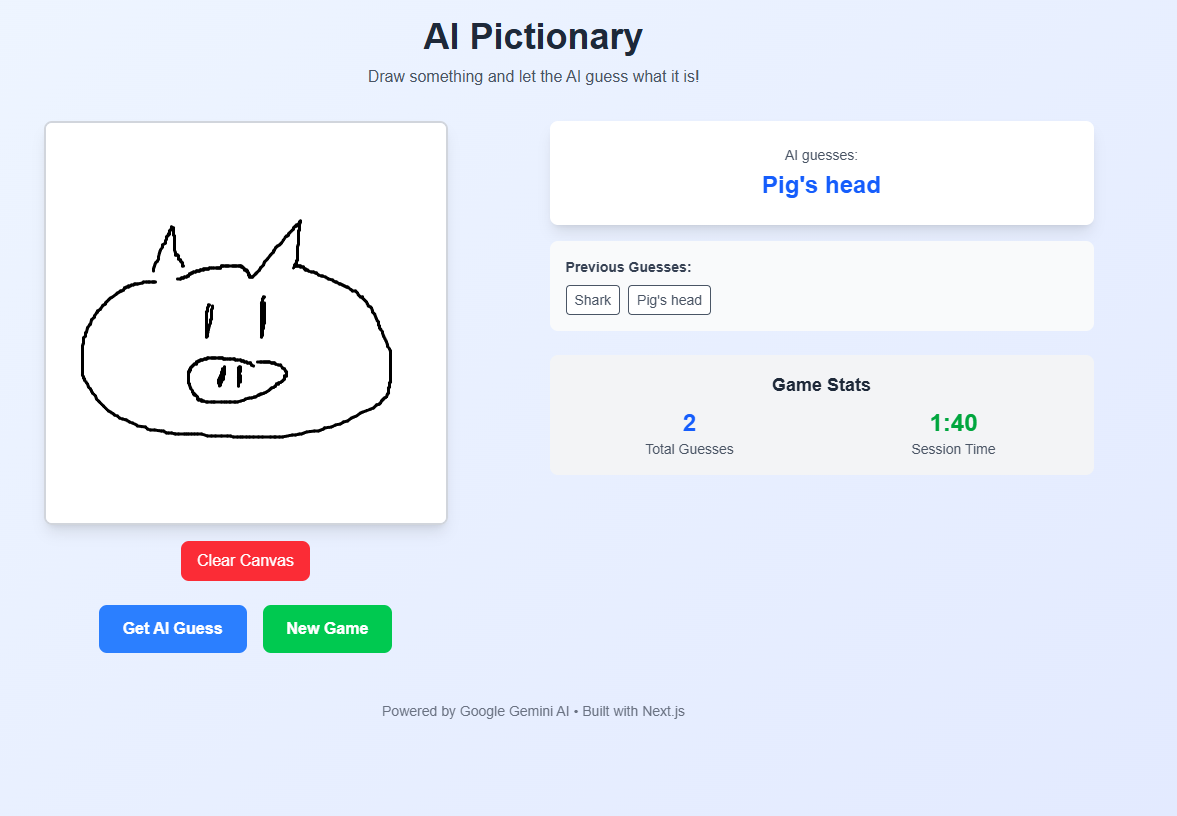
- Interactive Canvas: Draw with mouse or touch
- AI-Powered Guessing: Uses Google Gemini AI for image recognition
- Real-time Feedback: Get instant guesses from the AI
- Game Statistics: Track your drawing session
- Responsive Design: Works on desktop and mobile devices
- Frontend: Next.js 15 with TypeScript
- Styling: Tailwind CSS
- AI Integration: Google Gemini API (direct REST calls)
- Canvas: HTML5 Canvas with custom drawing utilities
npm install# Copy the example environment file
cp .env.example .env.local
# Edit .env.local and add your Gemini API key
GEMINI_API_KEY=your_actual_gemini_api_key_here- Go to Google AI Studio
- Create a new API key
- Copy the key and paste it in your
.env.localfile
npm run devOpen http://localhost:3000 to see the application.
- Start: Click "Start Playing" on the home page
- Draw: Use your mouse or finger to draw on the white canvas
- Guess: Click "Get AI Guess" to see what the AI thinks you drew
- Continue: Clear the canvas and draw something new!
src/
├── app/
│   ├── api/guess/          # AI guessing API endpoint
│   ├── game/               # Main game page
│   └── page.tsx           # Home page
├── components/
│   ├── Canvas.tsx         # Drawing canvas component
│   ├── GuessDisplay.tsx   # AI guess results display
│   ├── GameControls.tsx   # Game control buttons
│   └── GameStats.tsx      # Game statistics
├── hooks/
│   └── useCanvas.ts       # Canvas state management hook
└── lib/
    ├── canvas-utils.ts    # Canvas utility functions
    ├── gemini-client.ts   # Gemini API client
    └── types.ts           # TypeScript type definitions
The app uses Google's Gemini API directly without SDKs:
// Example API call structure
const response = await fetch('/api/guess', {
  method: 'POST',
  headers: { 'Content-Type': 'application/json' },
  body: JSON.stringify({
    imageData: canvas.toDataURL('image/png')
  })
});npm run dev- Start development servernpm run build- Build for productionnpm run start- Start production servernpm run lint- Run ESLint
- Canvas Drawing: Smooth drawing with mouse and touch support
- Image Processing: Automatic canvas resizing and optimization
- Error Handling: Comprehensive error handling for API calls
- Loading States: Visual feedback during AI processing
- Session Tracking: Game statistics and history
| Variable | Description | Required |
|---|---|---|
GEMINI_API_KEY |
Your Google Gemini API key | ✅ |
The easiest way to deploy your Next.js app is to use the Vercel Platform from the creators of Next.js.
Check out our Next.js deployment documentation for more details.
- AI: Google Gemini API
- Framework: Next.js
- Styling: Tailwind CSS