Conversation





|
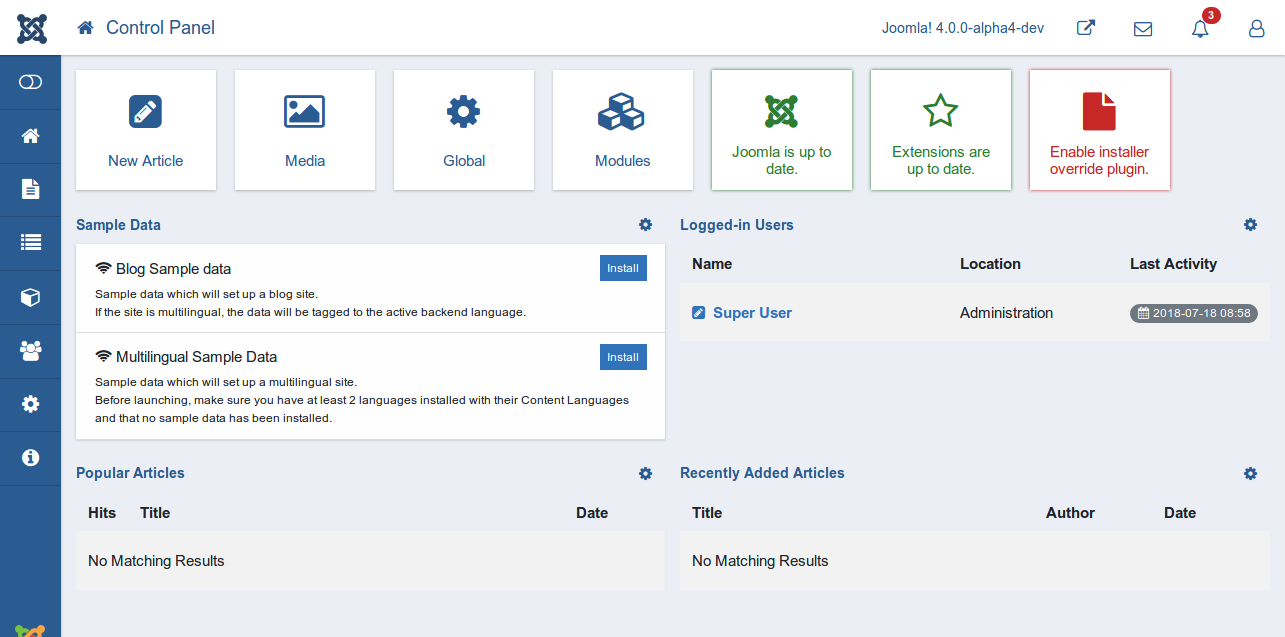

Because I am also a little bit confused here. Should we use server time for both ? |
I opened an issue for this, so that we not forget ... |


* Load correct core files of override files (#2)

Start implements loadcorefile() in administrator/components/com_templates/Model/TemplateModel.php

* CS (#3) Coding Standards

* codingstandards

* codingstandards (#4)

* Test (#6)

Phase 2 (2 part) Mechanism to find correct core file and implementation.

* Remove Notice: Only available for html-folder

* Remove Warning if core file not found (#11)

Thanks.
So one part of the issue #12 is done.

* Implement the diff view in template manager

Implement the diff view in template manager

* coding standard (#17)

* fix diff (#18) Fix bug in path in case of administrator template override.

Fix bug in path in case of administrator template override.

* Notification after update and TEST (#16)

Find changed files of overridden files and show message.

* coding standard (#21)

* correction

* correction (#26)

* Correcthtmlpath (#27)

* correction

* change oldhtml to newhtml

* List of updated override files. (#30)

* addcss (#34)

* Final Product  (#39)

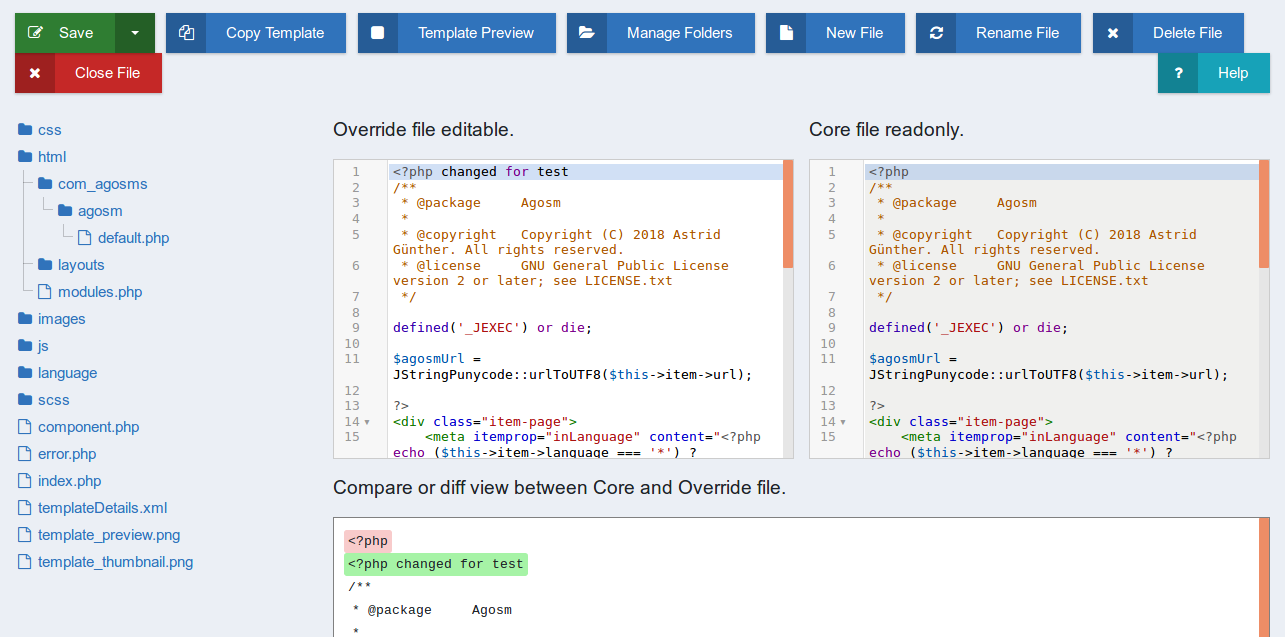
Core and Diff view
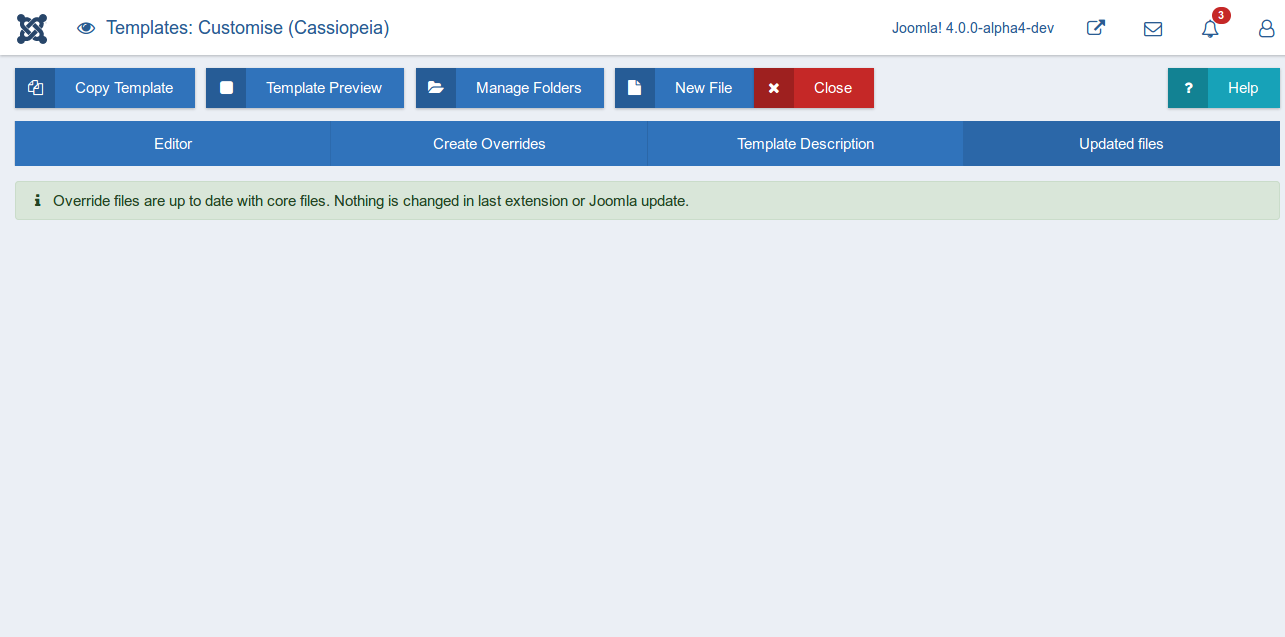
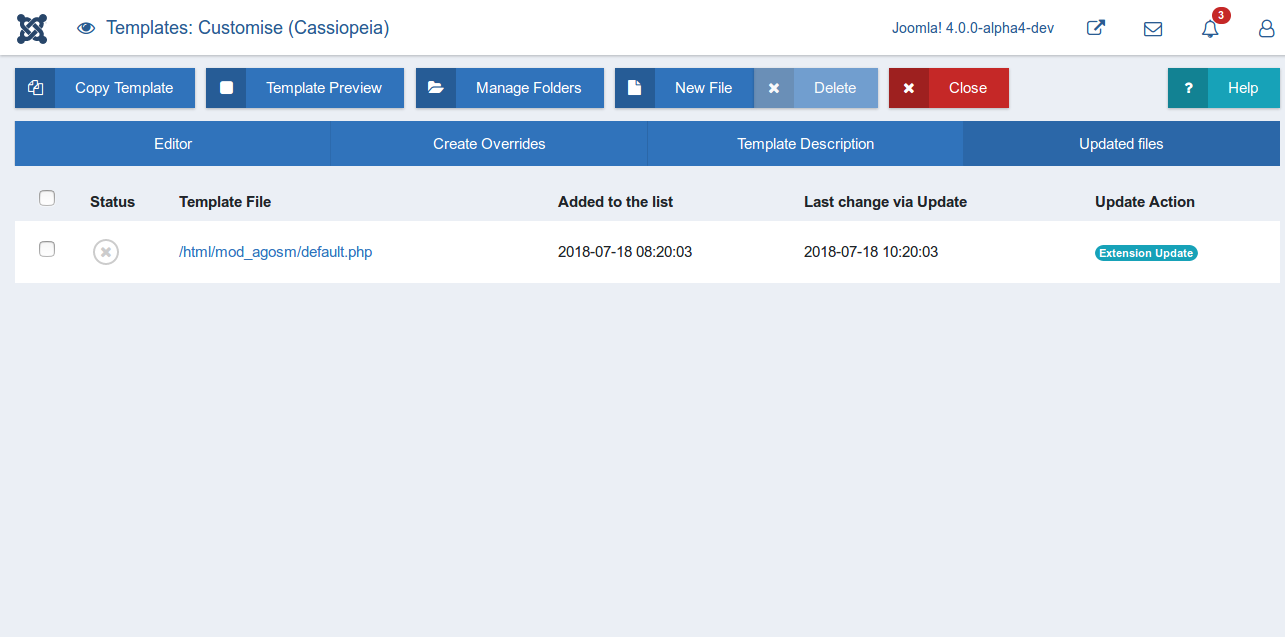
Updated override history list.
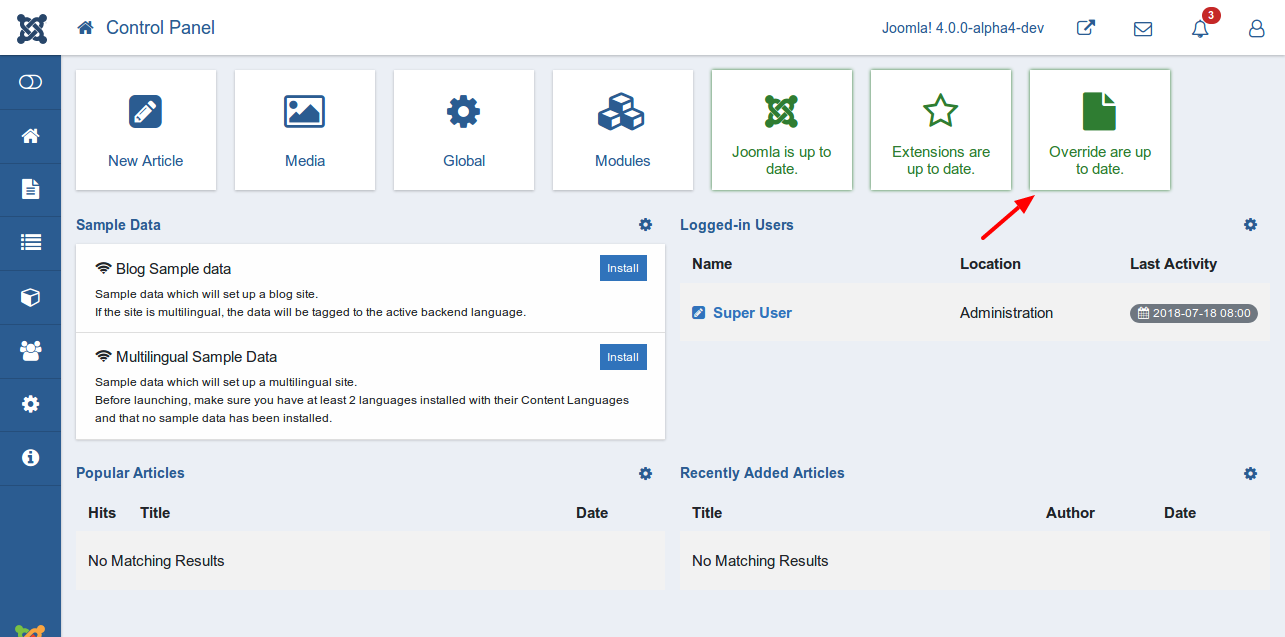
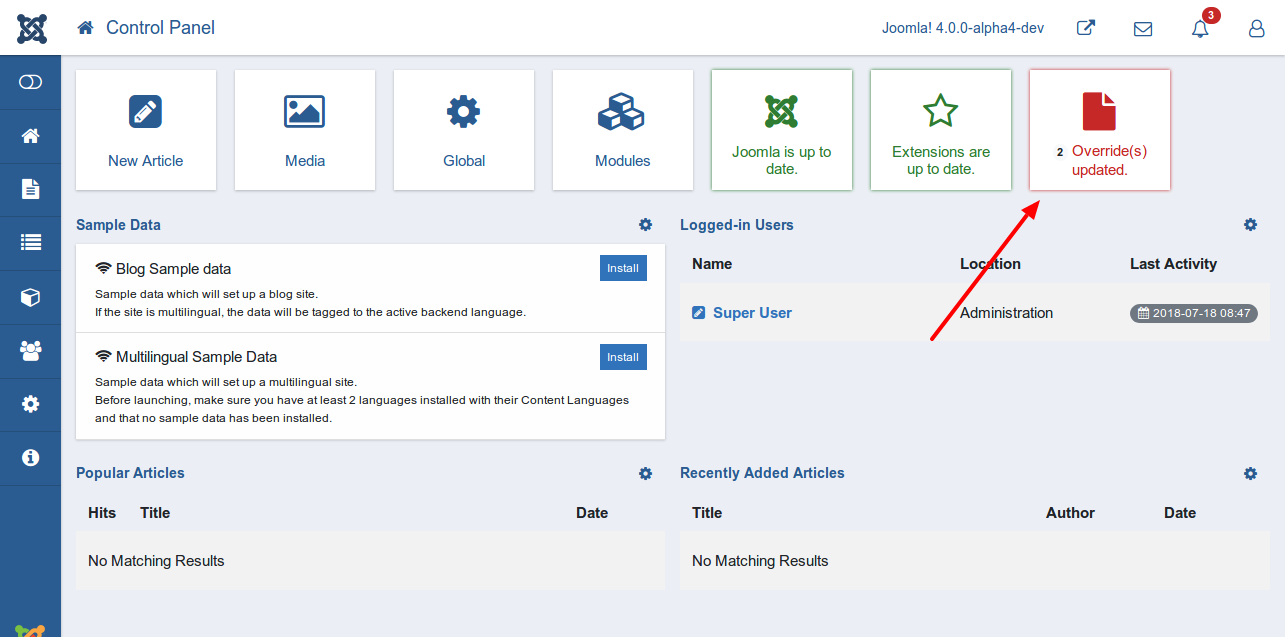
Quick icon notification plugin.
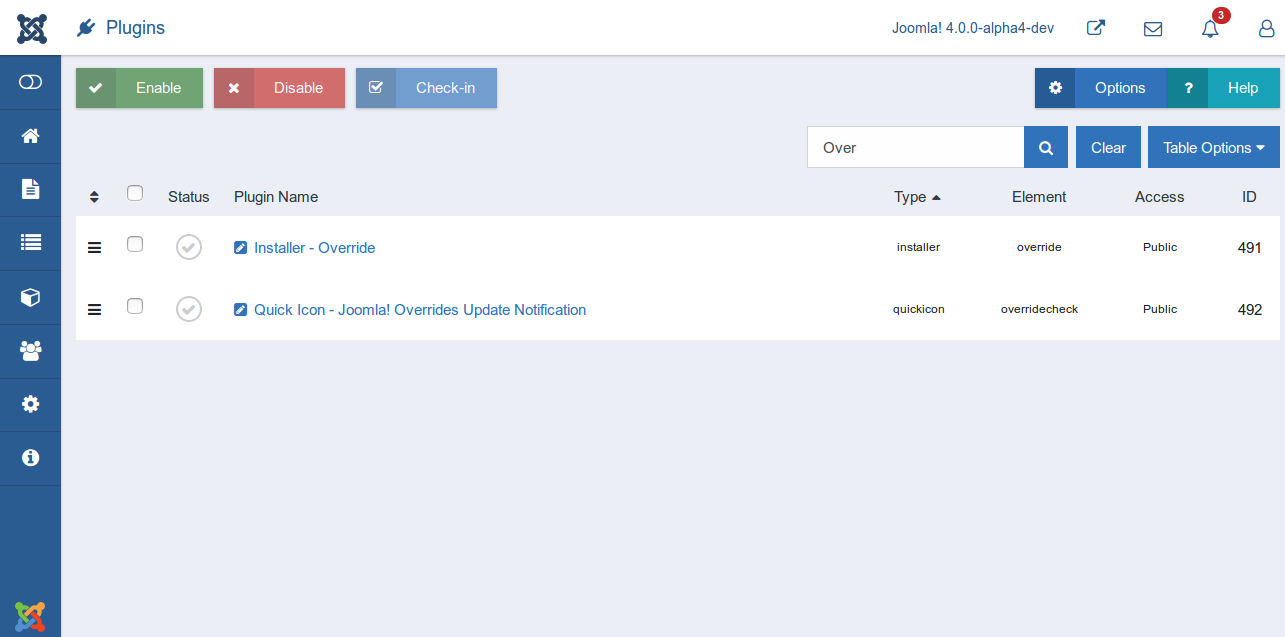
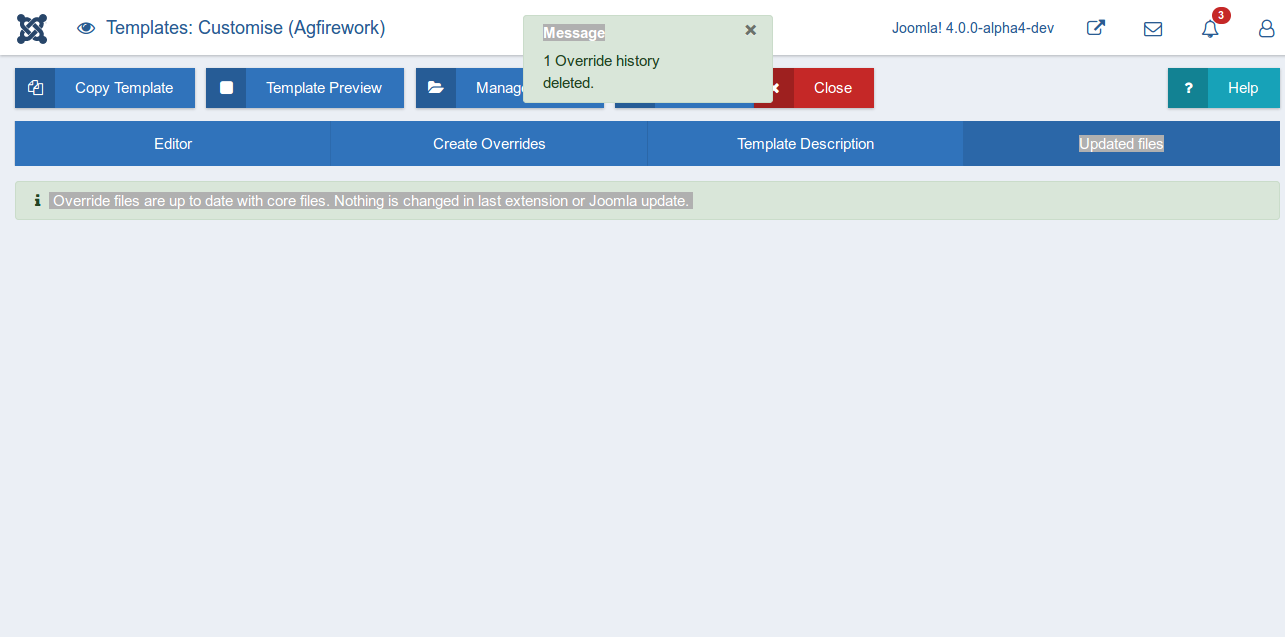
Override control plugin.

* save 3 lines :)

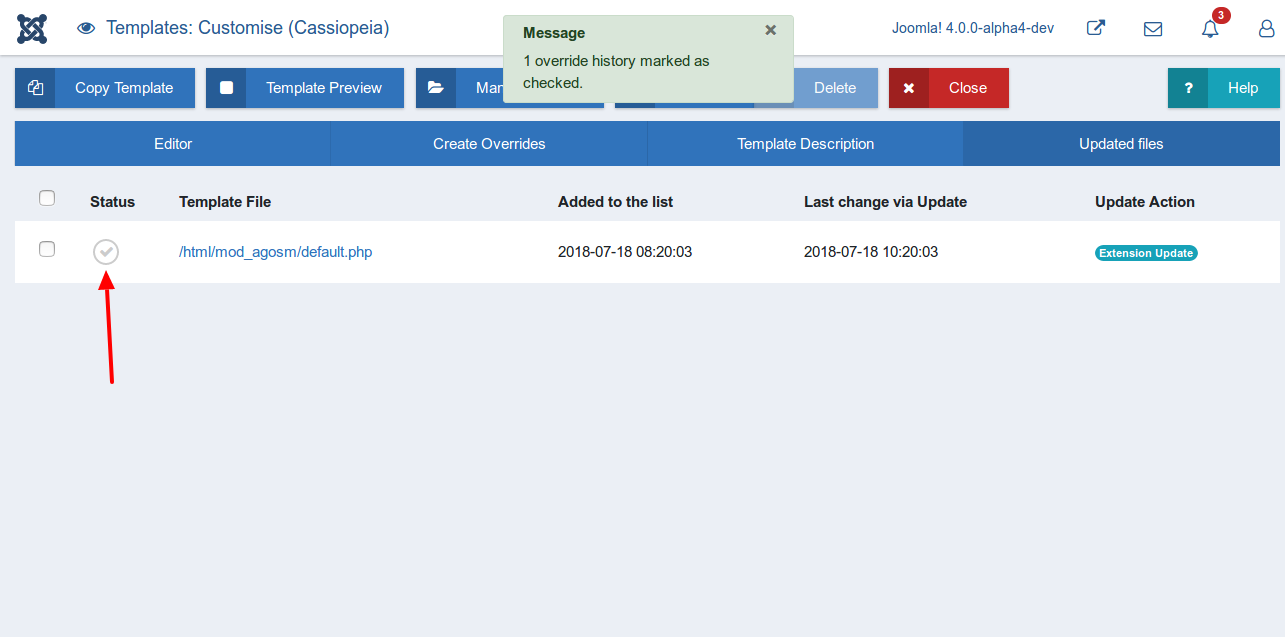
* New feature show status. (#47)

show status in com_template view templates

* link

* corrected namespace

* Button to Switch (#35)

* wip add Switcher

* wip style switcher

* wip style switch make inline and change on off text

* wip start with js

* wip js

* wip delete buttons and make js more robust

* wip save to storage

* wip delete old code

* wip

* wip lint

* wip css

* set default value for switcher

* wip make switcher blue

* wip

* wip

* build

* correct names

* create new functions

* fist test code

* use onchange

* undo installer.min.js

* add forgotten new line at the end of css file

* correct align

* correct compare.es6 - only deleted the toggle part

* correct compare.js - only deleted the toggle part

* wip

* reduce timeout

* wrap in funcitons

* wip

* add use strict to both js-files(compare and toggle)

* add the timeout value of 500 again, because 200 are not enought in my case

* use css class 'active' for toggle views

* add strict

* time out for editor

* wip

* improvments use newActive and switch

* correction

* width of switcher-spans

* correct align

* do not use global

* wip

* removed timeouts

* JTEXT to TEXT

* forgotton last line

* deleted duplicated comments

* css fix align

* use unnamed functions in es6

* Sql files for fix database (#50)

* sql files for database fix

* delete space

* Suggestion for displaying Dates in view updates files (#52)

Correct Dates and do not use date of file any more

* Store Date as UTC and show it in server time zone (#57)

* modified and created date are created and stored in UTC

* convert dates for displaying in model

* spar a loop

* normalize timezone in view

* use language constants for dateformat

* JToolbarHelper to ToolbarHelper

* CS

* namespace

* plural

* name

* clean

* text

* fx

* sin

* files

* s

* Suggestion for language strings (#60)

* language strings

* correct typo

* delete media folder plg_quickicon

* add folder plg_quickicon to build/media_src

* delete files in media folder

* Move media folder - System (#66)

* multi

* cs

* delete files in media folder for joomla toolbar (#67)

* Fix button switchers style. (#70)

* button

* CS

* changed uitab.addTab for updated files

* Bring back core.js changes. (#69)

* core.js

* const

* fix

* form

* core

* hound

* CS

* scopr

* grid

* alpha

* cs

* lang

* only override file

* lang

* override lang installer

* Cs

* sub

* Update list of core extensions (#71)

* Language changes (#76)

* update

* Update en-GB.com_templates.ini

* override JLIB_HTML_PUBLISH_ITEM

this is the hover text on the publish icon in the list of files

* Change icon (#74)

change the icon to use an outline for more consistency

* lang

* not core (#75)

* not core

* Update en-GB.plg_installer_override.ini

* namespace

* cs

* Updated files (#82)

* Update default_updated_files.php

* Update en-GB.com_templates.ini

* Update en-GB.com_templates.ini (#81)

* Update en-GB.plg_quickicon_overridecheck.ini (#80)

* Update en-GB.plg_quickicon_overridecheck.ini (#79)

* remove space (#78)

* Update en-GB.plg_quickicon_overridecheck.ini

* Update en-GB.plg_quickicon_overridecheck.sys.ini

* remove hardcoded id

* null get function

* state

* clean

* More changes "core" to "original" (#85)

* cs

* update

* plural
2 participants


Pull Request for Issue #38
Summary of Changes
Features added in Improve Override Management
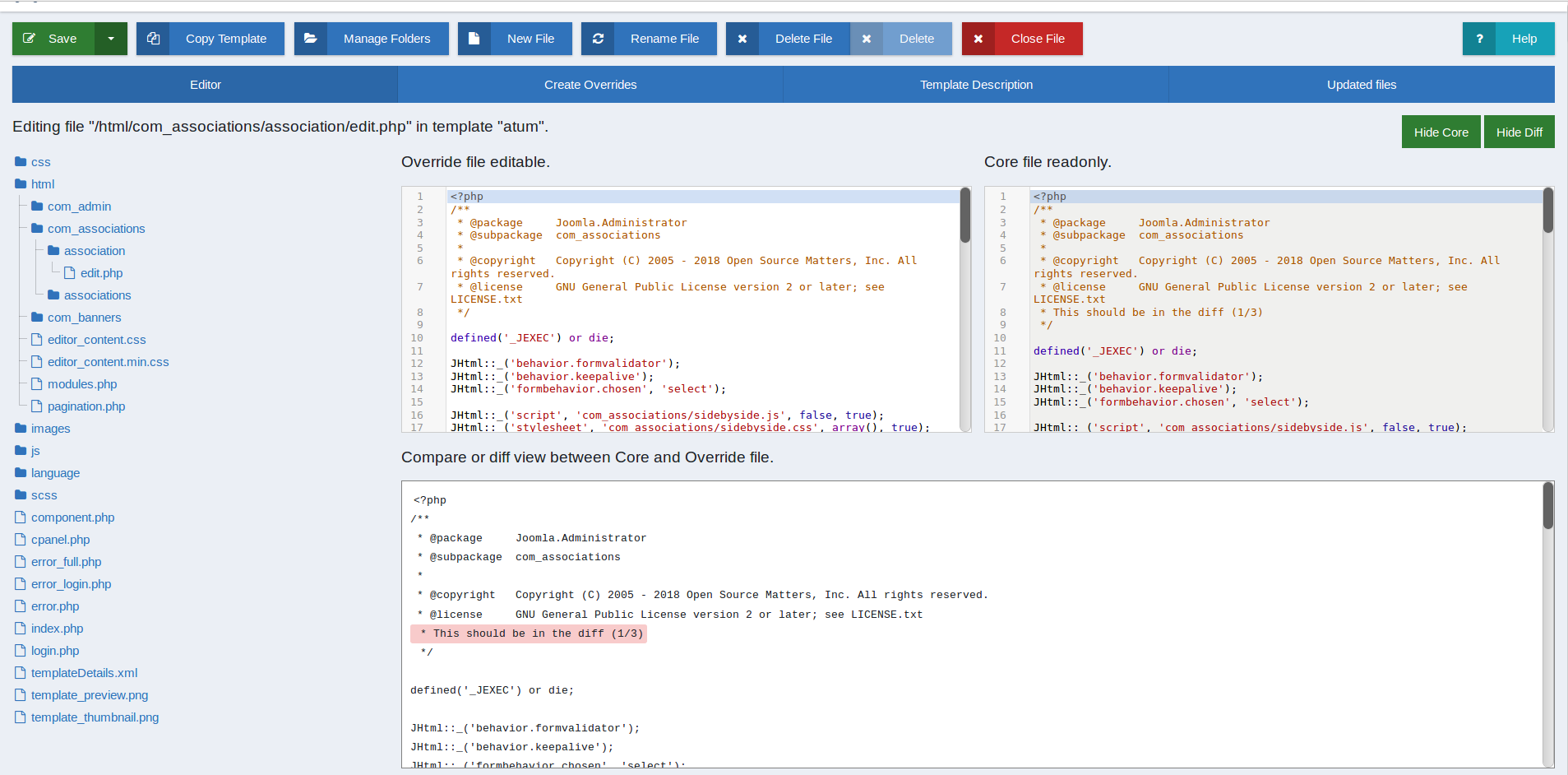
1. Core and Diff view
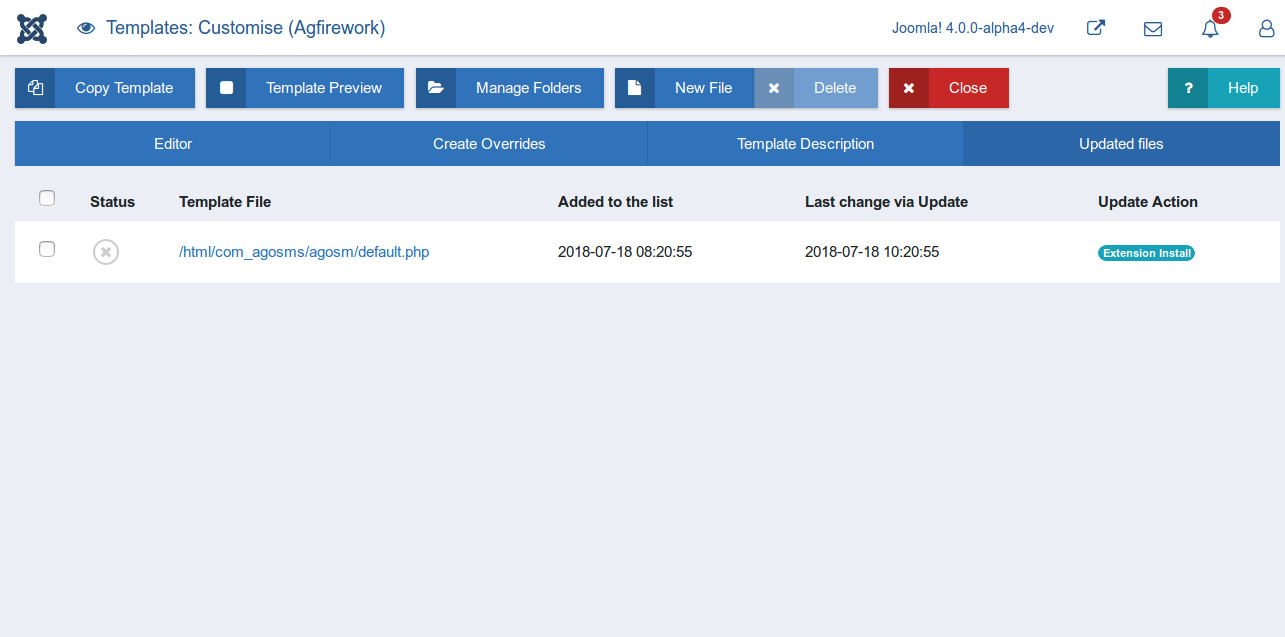
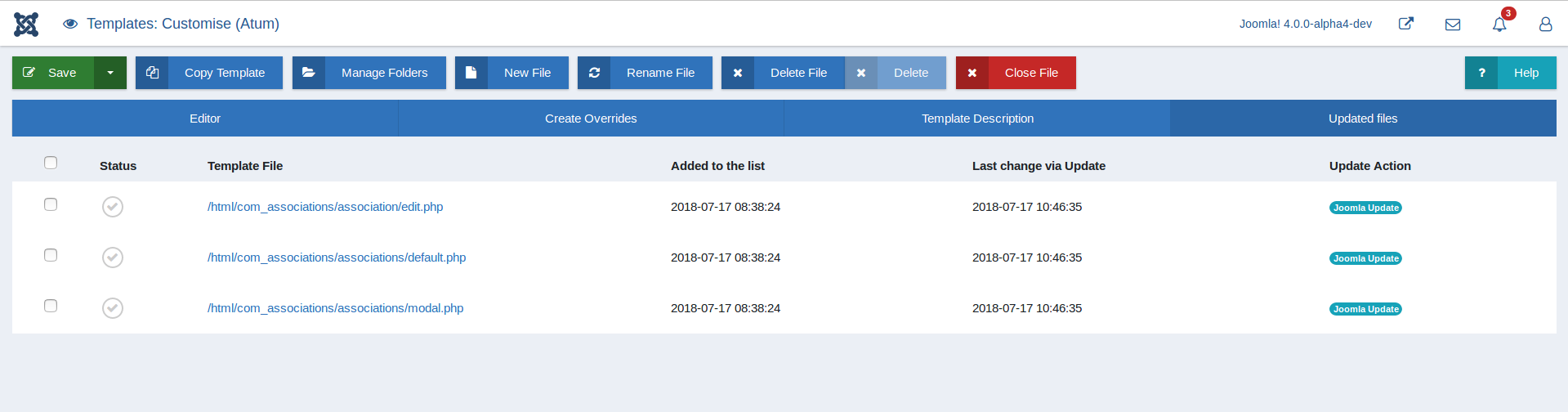
2. Updated override history list.
3. Quick icon notification plugin.
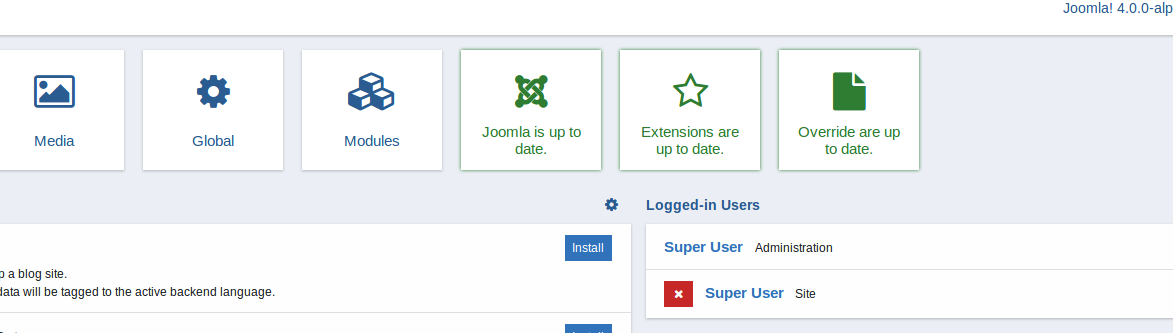
Installer override plugin must enabled to fetch result. And show in quick icon.
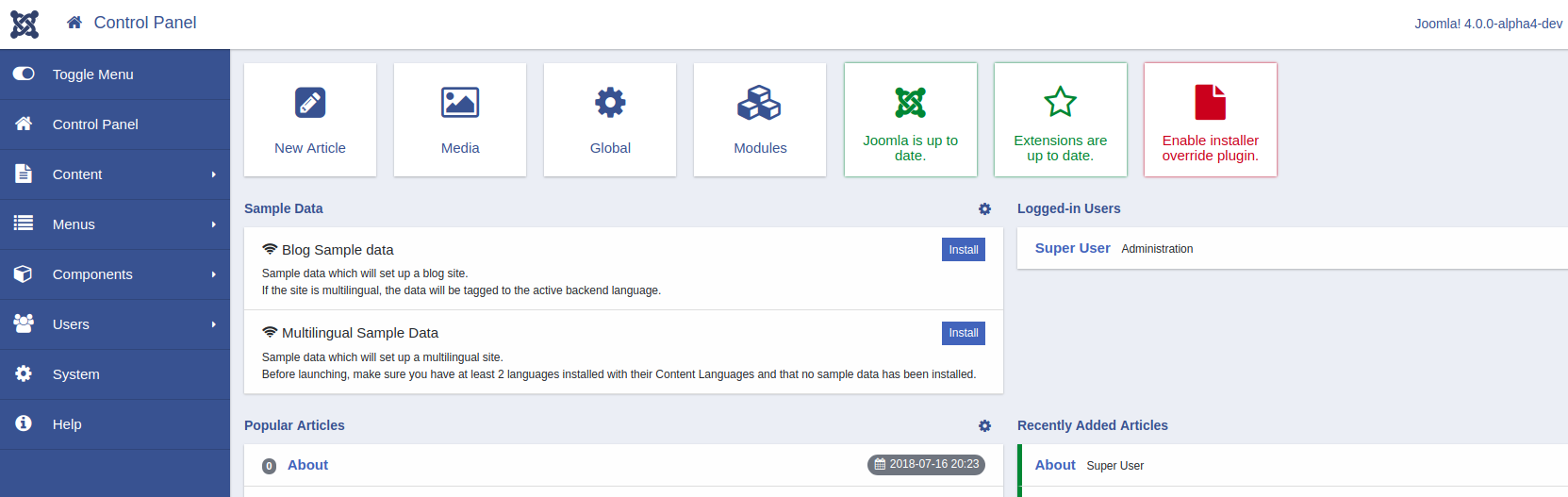
4. Override control plugin.
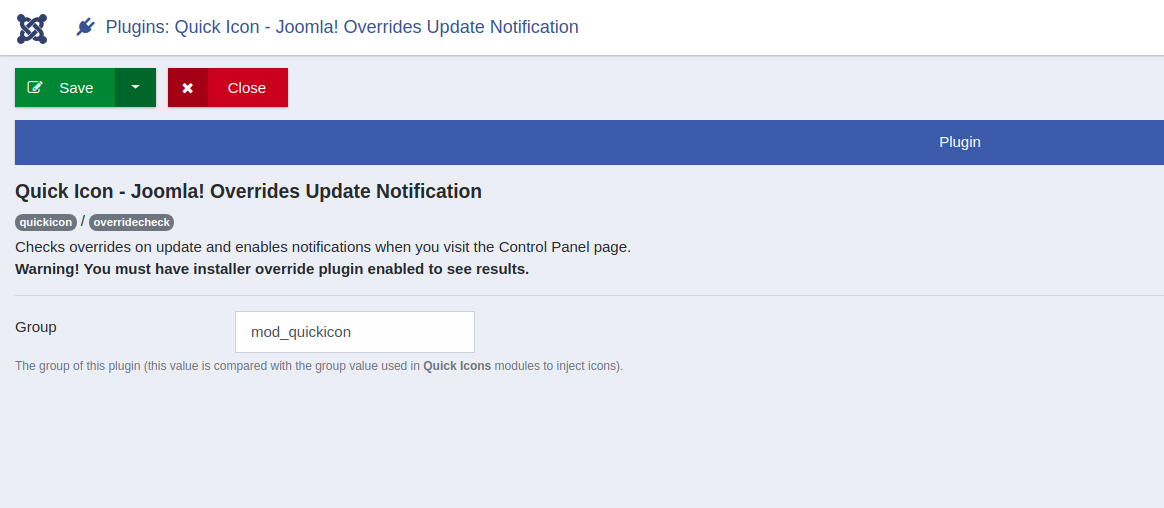
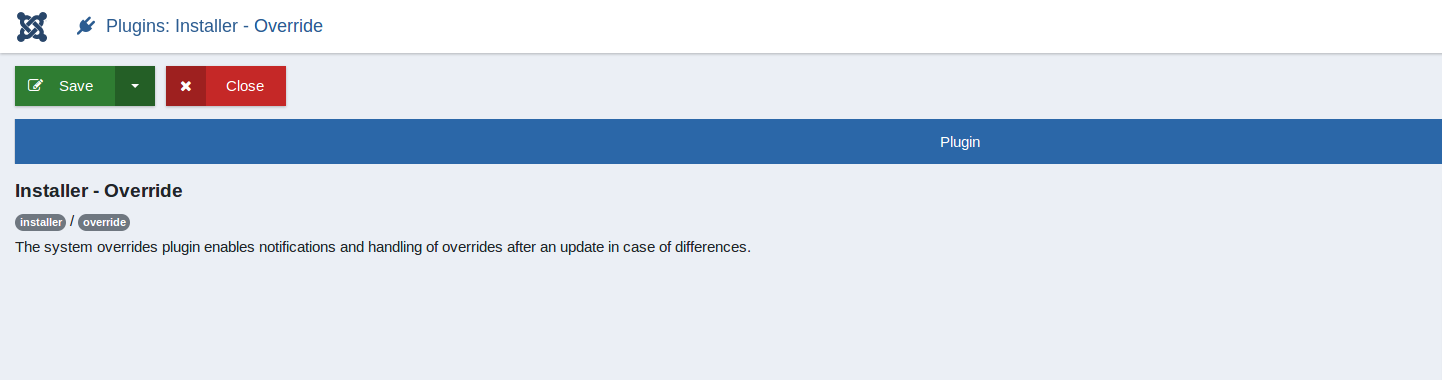
Testing Instructions
1. Create override from this override list from create override tab.
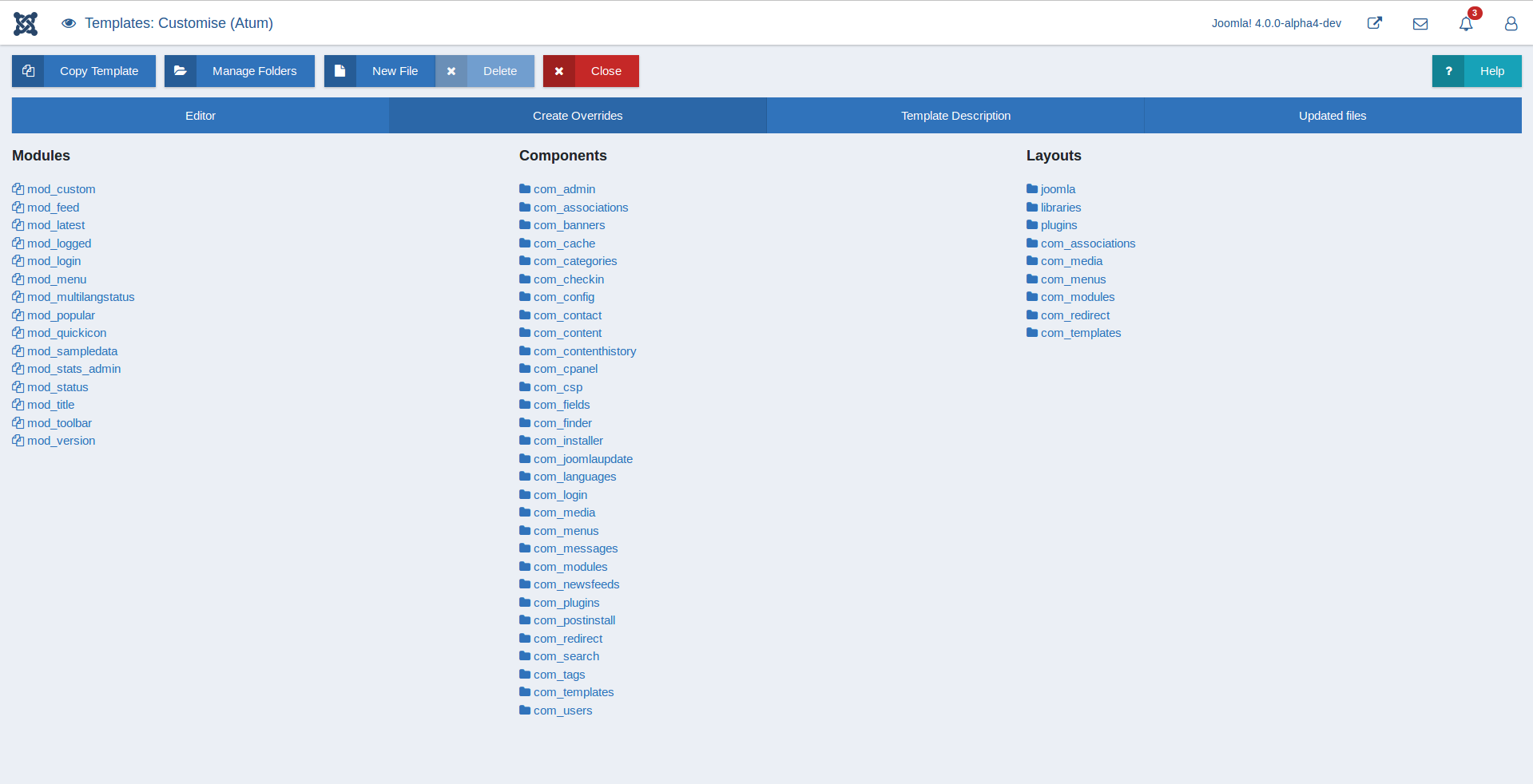
Then, try to update you extension for which you created the override by any of them.
A. Extension Install
B. Extension Update
C. Joomla Update
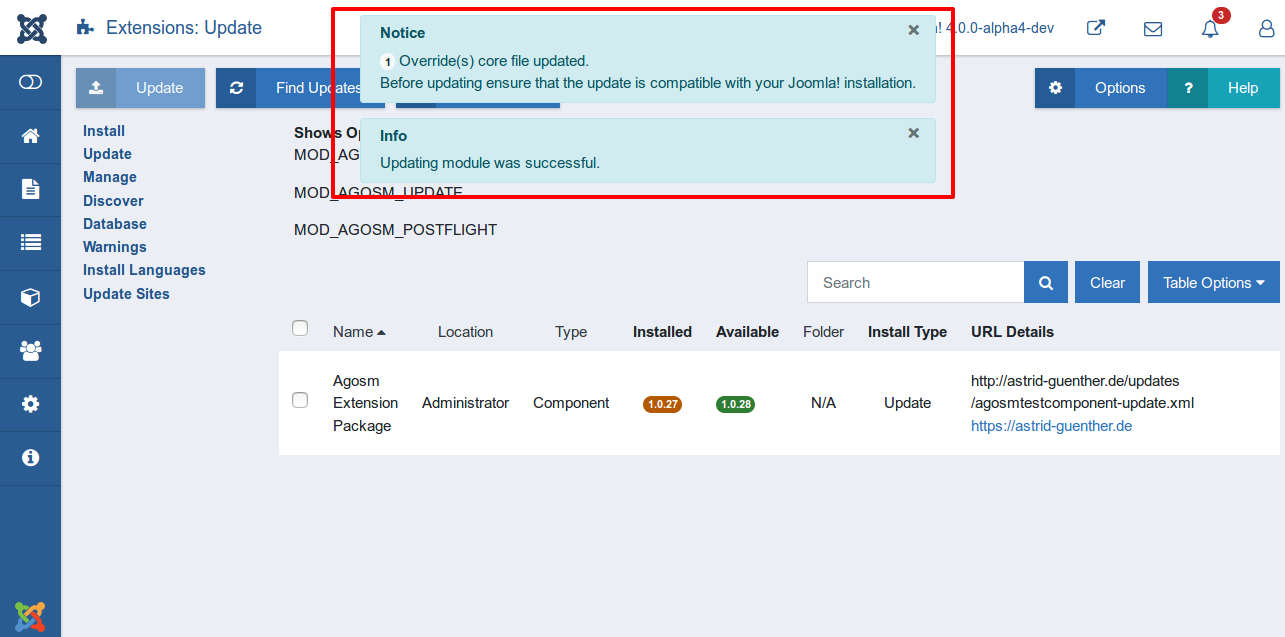
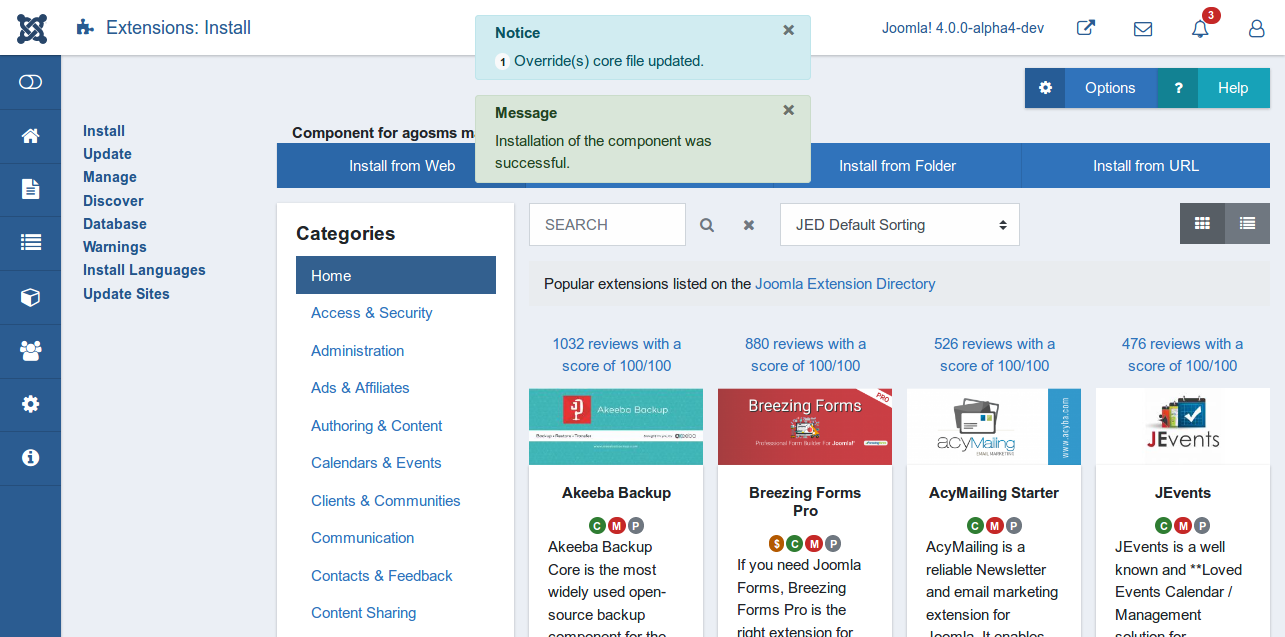
If any override core files is got an update the you will receive message after update. And, when you visit control panel you will see quick icon response after update.
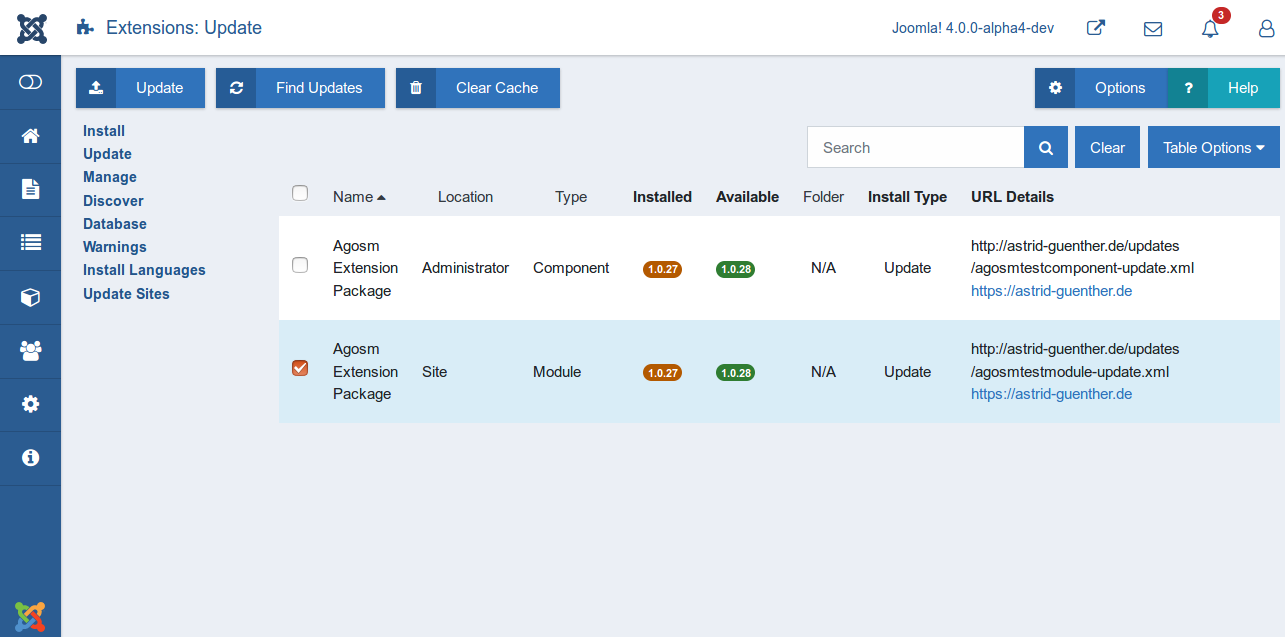
Then, visit to your template settings you will see. A tab with updated files which contains list of updated file with belongs to current template.
Note: During this project new feature is introduced.
To support more than two form in one page with different id
PR for this #36
Documentation Changes Required
Yes