Cc: @calumjs @ricksu978 @adamcogan
Hi YakShaver team
🟥 Watch the video (42 sec)
Pain
When YakShaver completes a third-party integration authorization flow, it shows a very plain “authorization successful” page that feels unbranded and low-quality.
Suggested Solution
Create a YakShaver-themed authorization result page for the “success” state.
Create a consistent set of additional result pages for other outcomes (e.g. authorization error, authorization failure) so the whole authorization flow feels cohesive.
Acceptance Criteria
- The authorization “success” result page uses YakShaver branding (theme, styling, and layout) and looks consistent with the desktop app.
- The authorization result page set includes at least “success”, “error”, and “failure” states with consistent styling.
- Each state communicates a clear, user-friendly message about what happened.
- The new pages render correctly at typical desktop window sizes.
Tasks
More Information
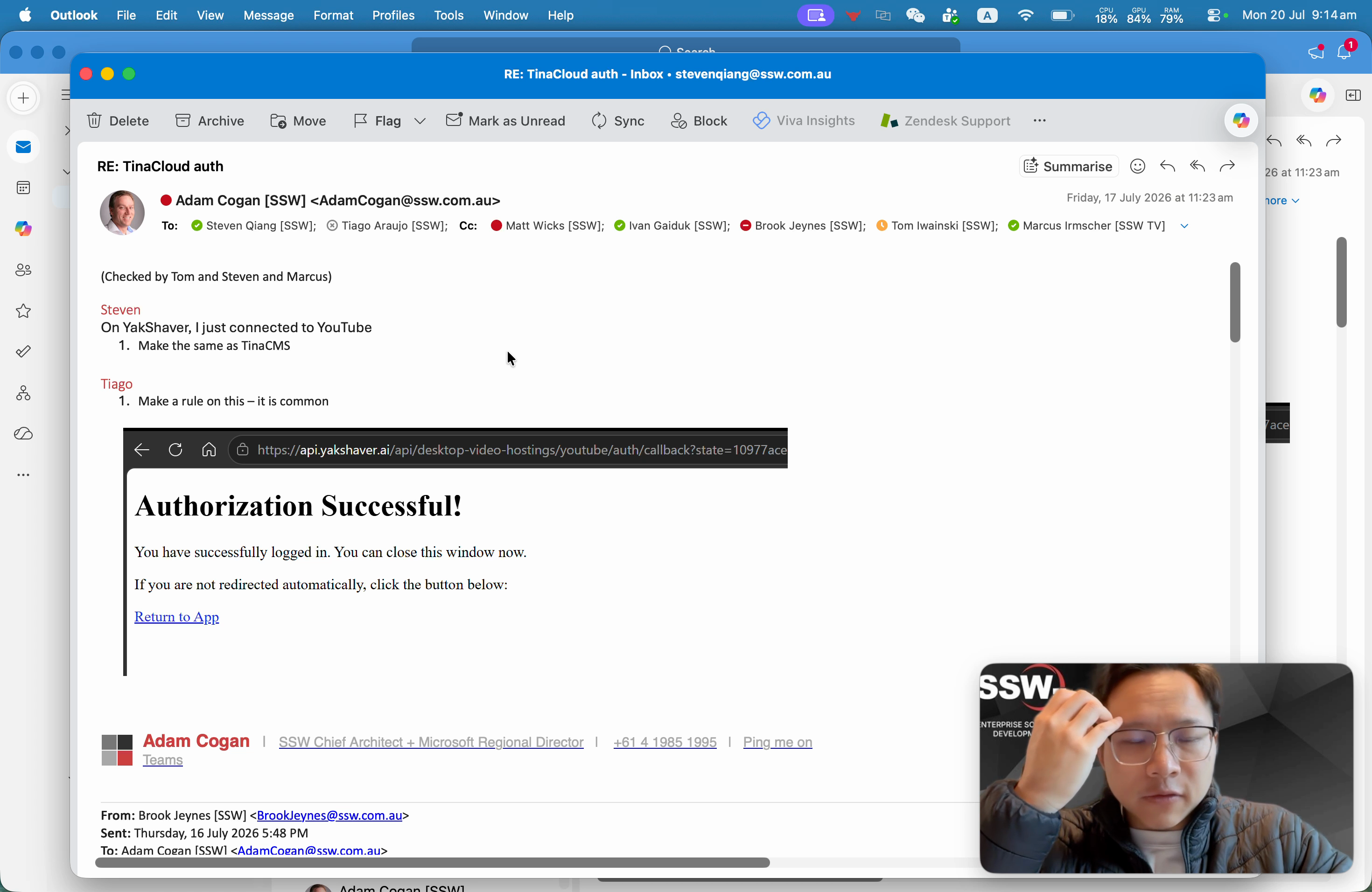
Figure: Current authorization “success” page looks plain/unbranded
Screenshots
Thanks!


Cc: @calumjs @ricksu978 @adamcogan
Hi YakShaver team
🟥 Watch the video (42 sec)
Pain
When YakShaver completes a third-party integration authorization flow, it shows a very plain “authorization successful” page that feels unbranded and low-quality.
Suggested Solution
Create a YakShaver-themed authorization result page for the “success” state.
Create a consistent set of additional result pages for other outcomes (e.g. authorization error, authorization failure) so the whole authorization flow feels cohesive.
Acceptance Criteria
Tasks
More Information
Figure: Current authorization “success” page looks plain/unbranded
Screenshots
Thanks!