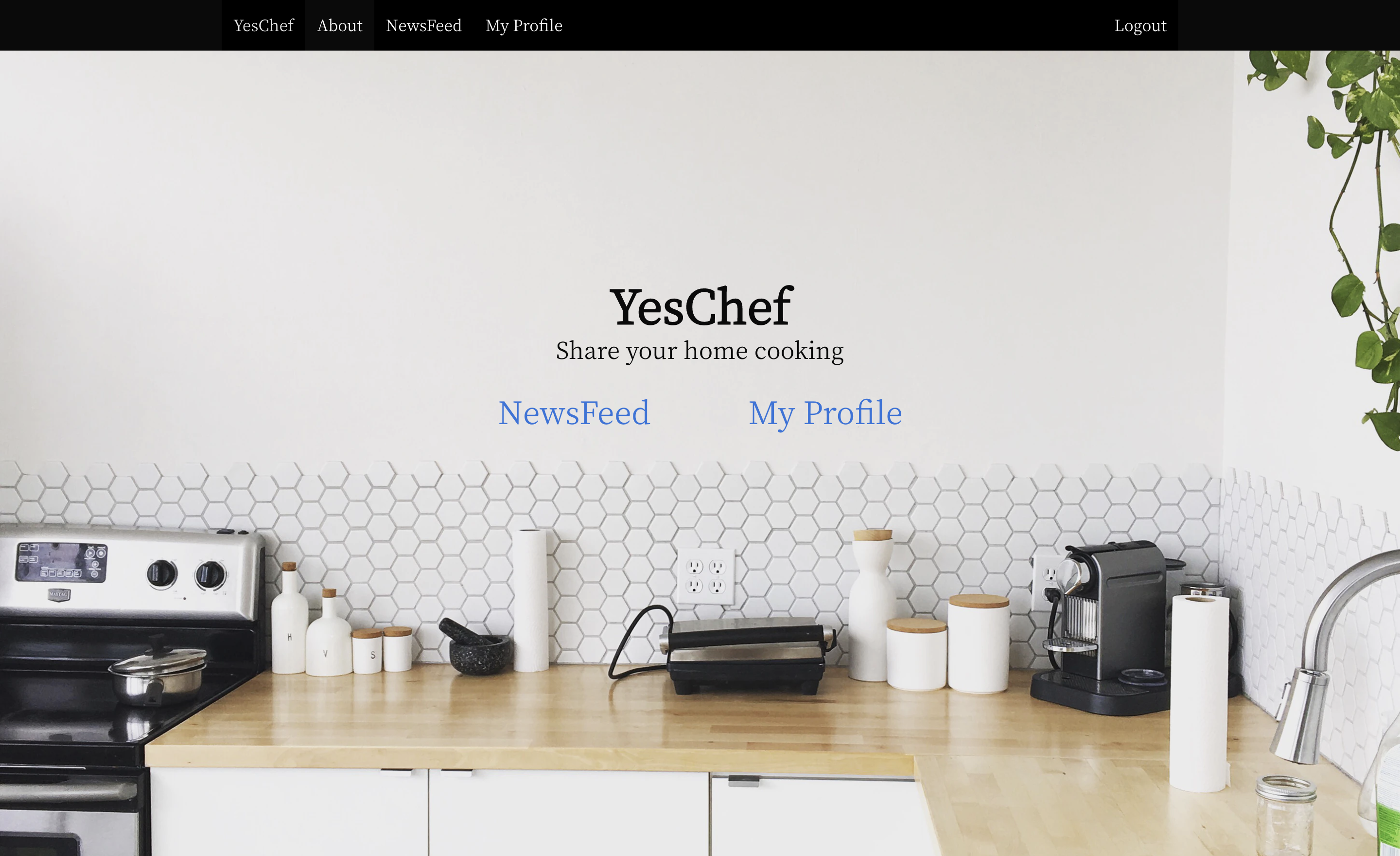
The site: YesChef
I have made a website where users post pictures and descriptions of meals they have made at home, allowing other people to see your home made recipes! User can then share ideas about home cooking, comment on other peoples meals, and build up their profile!
This is my 4th and final coding project on the 3 month, GA software engineering immersive course.
The project took 1 week to build, and I did it on my own using JavaScript Node.js and React on the front end. Coupled with Python & Django.py framework on the backend.
- Build a full-stack application by making your own backend and your own front-end
- Use a Python Django API using Django REST Framework to serve your data from a Postgres database
- Consume your API with a separate front-end built with React
- Be a complete product which most likely means multiple relationships and CRUD functionality for at least a couple of models
- Implement thoughtful user stories/wireframes that are significant enough to help you know which features are core MVP and which you can cut
- Have a visually impressive design to kick your portfolio up a notch and have something to wow future clients & employers. ALLOW time for this.
- Be deployed online so it's publicly accessible.
- Have automated tests for at least one RESTful resource on the back-end. Improve your employability by demonstrating a good understanding of testing principals.
- HTML5 & SCSS
- Javascript ES6
- Node.js
- React
- Python
- Django
- SQL (sqlite3) - PostgresSQL for Deployment
- Yarn
- Webpack
- Bulma
- filestack-react
- Babel
- Insomnia
- Heroku
- Git
- GitHub
- User login & out
- Register User
- Edit User information
- Post Meal
- Edit Meal
- Comment on Meal
- Home
- Newsfeed
- Profile
- About
I started on the backend. Having just learned python and how to set up Django in the last two weeks, I found setting up the backend to be a difficult challenge. I would like to used test-driven development, however the learning curve was too steep at the time.
One thing I enjoyed straight away with Django is the effective admin page that is set up. I think this is a very useful tool and one of my favourite features of the wireframe back-end. The Other thing I noticed is the lack of repeating code!
A difficult with Django is its use of apps. Using these as building blocks was a new challenges in connecting the frontend to the backend along with the meals and jwt_auth apps.
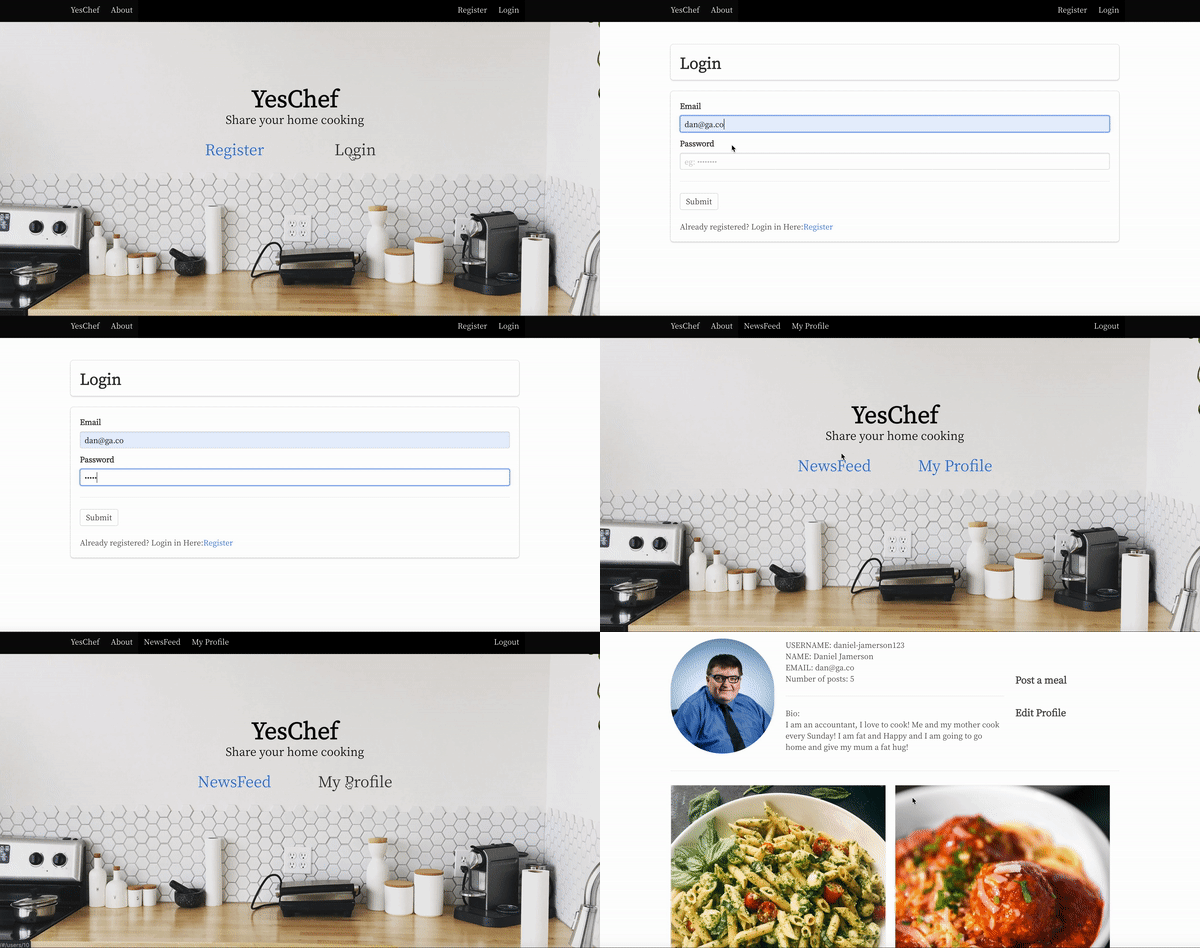
I set up the front end so that Users could only view the newsfeed and a profile page once they were logged in.
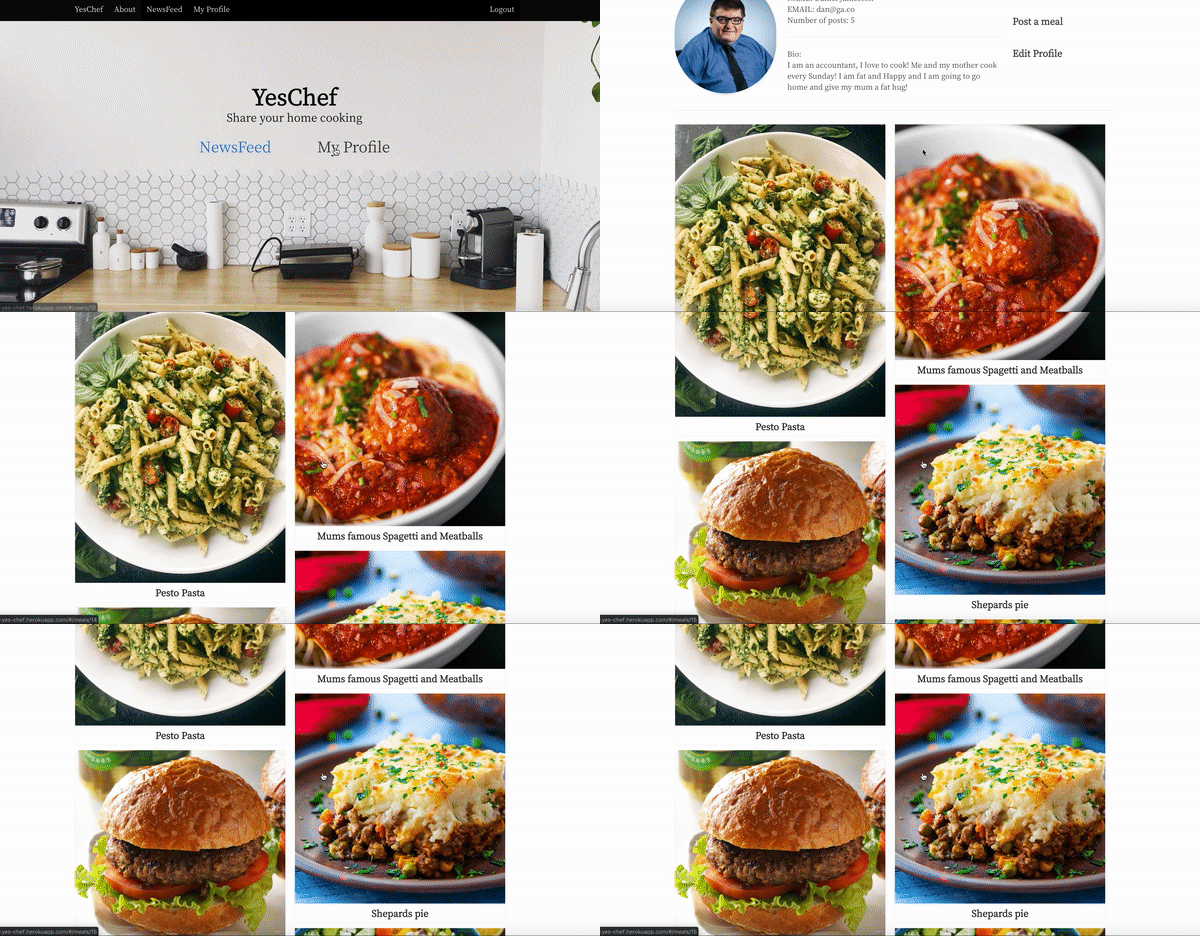
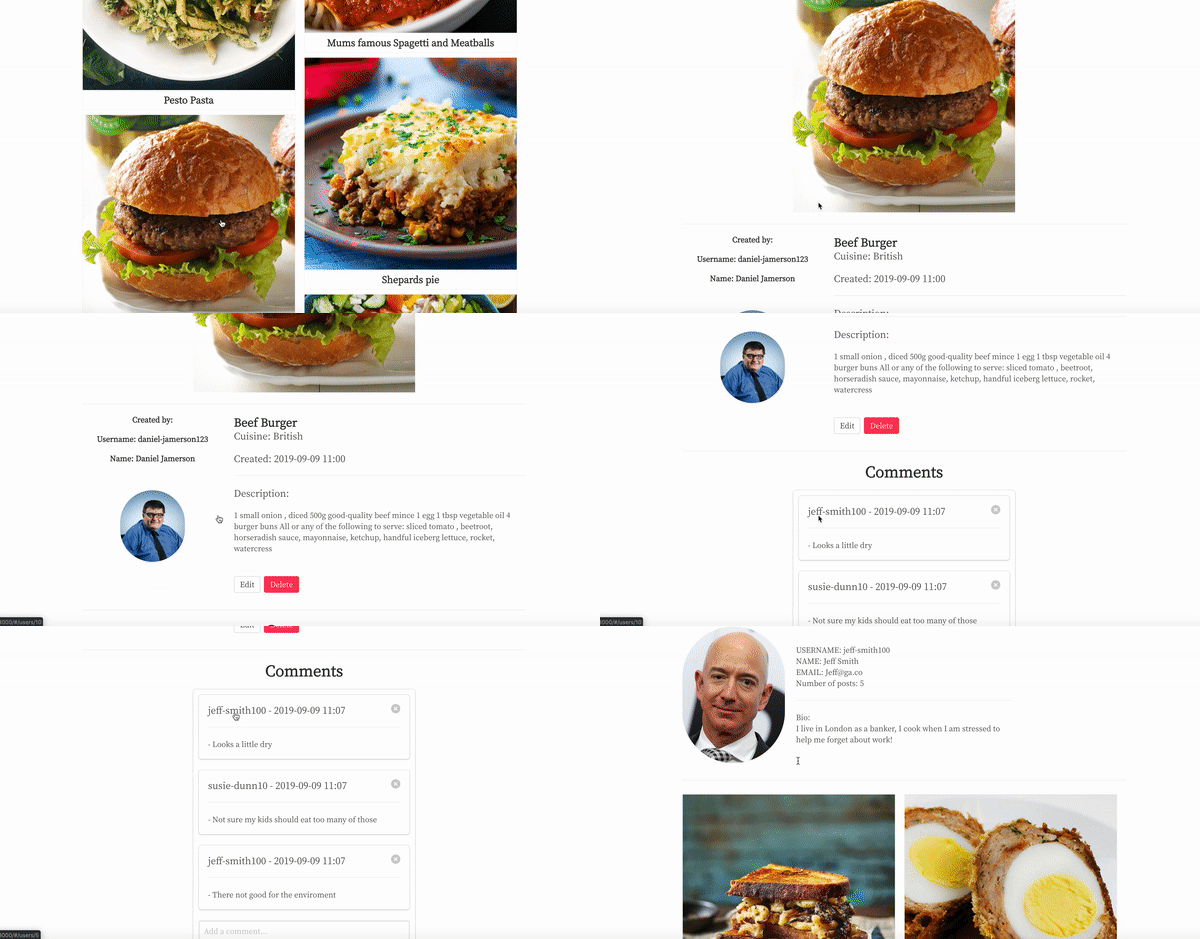
Using react again in the front end I wanted to use a set up that would be slightly different to my GA projects 2 & 3. So Instead of an index page I displayed a news feed page this displayed the most recent post from any user on the site first. I also added a profile page, so that users could see all the of the meals that they have posted.
| Time | Task |
|---|---|
| 1 day | Project setup, Designing Models, wireframe, |
| 2.5 days | Backend setup, |
| 2 day | Frontend setup |
| 1.5 day | Styling |
| 1 day | Bug fixes |
| 0.5 day | Deployment |
The First and most significant challenge was extending the default user model that Django provides. Using information found online and working with other people in the class we came up with a solution where the model is extended in the authentication app jwt_auth using an 'AbstractUser' - a feature Django provides.
Although the solution is simple there is a number of components necessary for it to work especially when it come to connecting the user model to the meal model in the meals app. The solution involved changing setting in the project app
jwt_auth.models.py
from django.db import models
from django.contrib.auth.models import AbstractUser, UserManager

class User(AbstractUser):
    name = models.CharField(max_length=25, blank=True)
    image = models.CharField(max_length=200, blank=True)
    bio = models.CharField(max_length=200, blank=True)
    # add this line... not sure what it does..
    objects = UserManager()
This included and commenting out different parts of the settings.py file.
For Example:
project/setting.py (This was added)
AUTH_USER_MODEL = 'jwt_auth.User'
This was my first ever use of SQL in a project. Learning how to create and use one-to-many and many-to-many relationships and drawing Entity relationship diagrams (ERD).
Using Model View Controllers was interesting way of creating RESTful routes but challenging for a beginner.
Make migrations to create the data table headers in SQL was a challenge. Issues came later down the line when changes were made to the models after Data had been seeded into the SQL tables.
The issue came when creating fixtures in order to seed data. Because many of the data in the meals app folder can only exist once user data is made. Fixtures must first be made in the jwt_auth app before the meals app.
When uploading images to the site, both using the Django /admin page or the user posting a meal from their profile using React-filestack, neither way standardised the size and aspect of the image added.
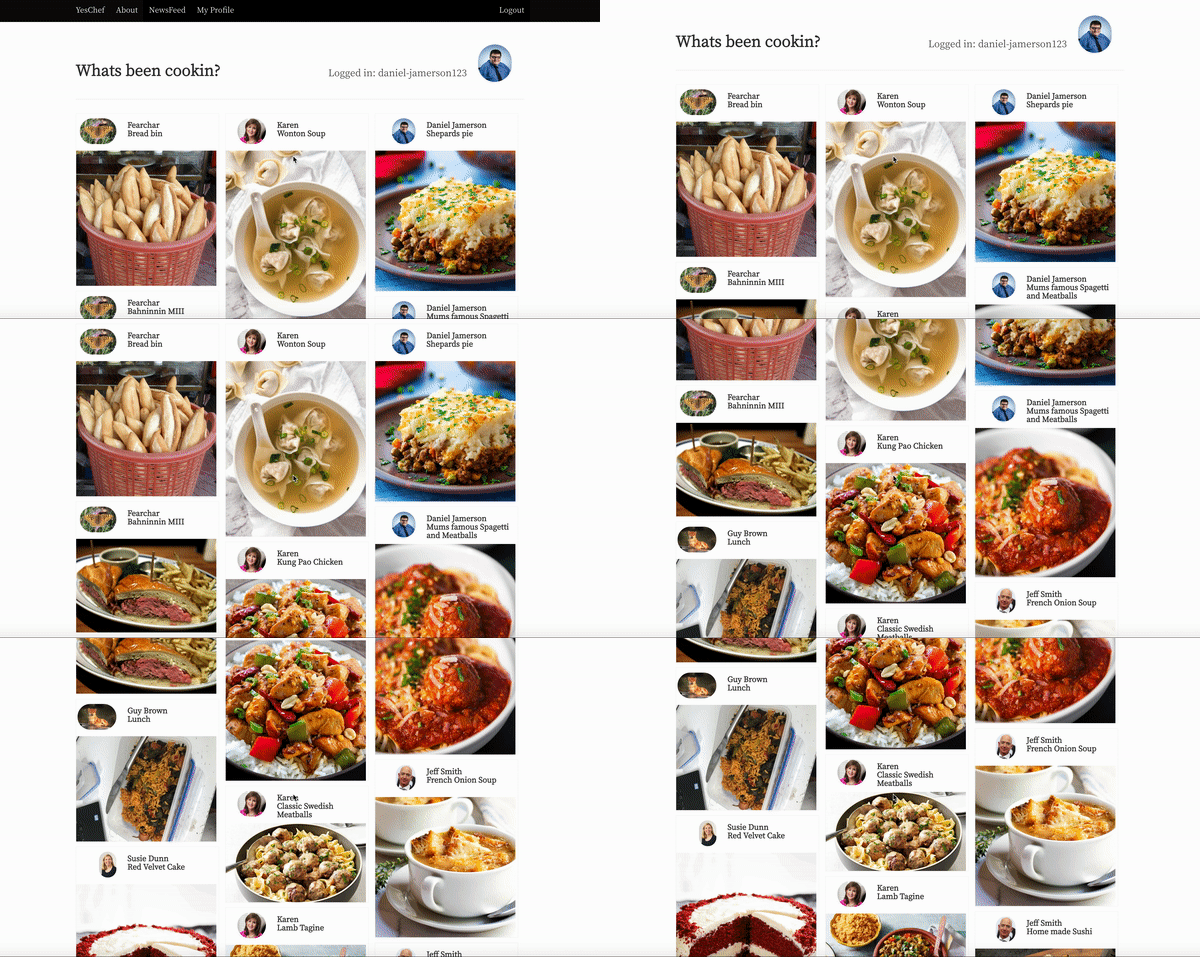
When coming to display these different aspect images on both the profile & newsfeed it was difficult to come up with a good solution that looked presentable.
For both the NewsFeed and Profile pages, the meals were displayed in an unstructured format to maintain a full width of the images. A solution I was very happy with.
Newsfeed.js
- Extending the user model.
- Successful use of Model View Controllers
- Creating seed data.
- Creating a profile page.
- Displaying the different sized images in newsfeed and profile pages.
- How to set up Django using apps, Model View Controllers, SQL etc.
- The advantages of using Django. Admin page, quick set up, lack of repeating code.
- A deeper knowledge of how SQL Databases work.
- Making migrations in order to create the database.
- How to seed data into these data tables in sqlite3.
- How to use Model view Controllers to create RESTful pathways.
- Model relationships in SQL.
- I would like to used test-driven development. The learning curve was too steep at the time.
- Following different users so you can only see the posts that those users make.
- Add a like button to Meals.
- Enable users to post many images and display using a carousel.
- Standardise photo sizing for better display.
- Meeting with a UX designer to improve user journey.
Freddie Hoy
Email: freddiehoy0@gmail.com