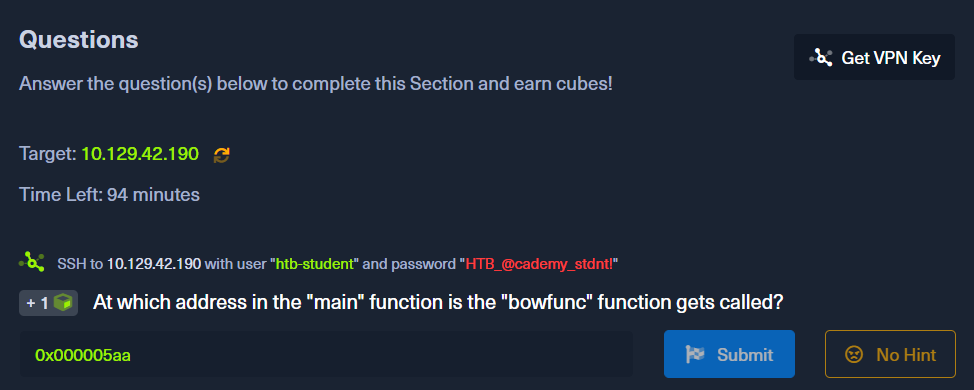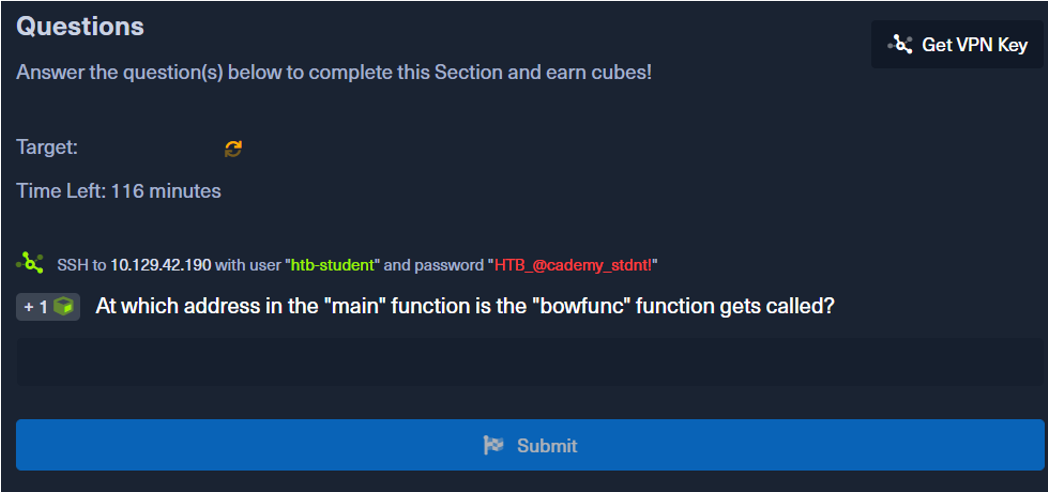
Before we answer this question, you need to connect to your vpn first. Click on get-vpn-key and then click on download. Then go to your terminal at the path you downloaded your vpn and do:
$ sudo openvpn academy.ovpnIf all happened correctly you should have at the end of the output:
Initialization Sequence CompletedThen you need to connect to the target machine.
$ sudo ssh htb-student@ipAnd then you put the password
HTB_@cademy_stdnt!Nice ! Then if you do ls you will see a bow file.
$ ls
bow
So you need to find at which adress in the main function thebowfunc function is called. So with gdb you will have to disassembl main.
gdb -q bow
Reading symbols from bow...(no debugging symbols found)...done.
(gdb) disassembl main
Dump of assembler code for function main:
  0x00000582 <+0>:     lea    0x4(%esp),%ecx
  0x00000586 <+4>:     and    $0xfffffff0,%esp
  0x00000589 <+7>:     pushl  -0x4(%ecx)
  0x0000058c <+10>:    push   %ebp
  0x0000058d <+11>:    mov    %esp,%ebp
  0x0000058f <+13>:    push   %ebx
  0x00000590 <+14>:    push   %ecx
  0x00000591 <+15>:    call   0x450 <__x86.get_pc_thunk.bx>
  0x00000596 <+20>:    add    $0x1a3e,%ebx
  0x0000059c <+26>:    mov    %ecx,%eax
  0x0000059e <+28>:    mov    0x4(%eax),%eax
  0x000005a1 <+31>:    add    $0x4,%eax
  0x000005a4 <+34>:    mov    (%eax),%eax
  0x000005a6 <+36>:    sub    $0xc,%esp
  0x000005a9 <+39>:    push   %eax
  0x000005aa <+40>:    call   0x54d <bowfunc>
  0x000005af <+45>:    add    $0x10,%esp
  0x000005b2 <+48>:    sub    $0xc,%esp
  0x000005b5 <+51>:    lea    -0x1974(%ebx),%eax
  0x000005bb <+57>:    push   %eax
  0x000005bc <+58>:    call   0x3e0 <puts@plt>
  0x000005c1 <+63>:    add    $0x10,%esp
  0x000005c4 <+66>:    mov    $0x1,%eax
  0x000005c9 <+71>:    lea    -0x8(%ebp),%esp
  0x000005cc <+74>:    pop    %ecx
  0x000005cd <+75>:    pop    %ebx
  0x000005ce <+76>:    pop    %ebp
  0x000005cf <+77>:    lea    -0x4(%ecx),%esp
---Type <return> to continue, or q <return> to quit---q
This is in AT&T syntax but if you want Intel syntax, you just need to do
(gdb) set disassembly-flavor intelThe first thing that we have to do is to look for a call instruction. So we have
0x00000591 <+15>:    call   0x450 <__x86.get_pc_thunk.bx>
0x000005aa <+40>:    call   0x54d <bowfunc>
0x000005bc <+58>:    call   0x3e0 <puts@plt>
Now it's pretty intuitive because you can see in Operation Suffixes the name of the function called.
0x000005aa <+40>: call 0x54d <bowfunc>