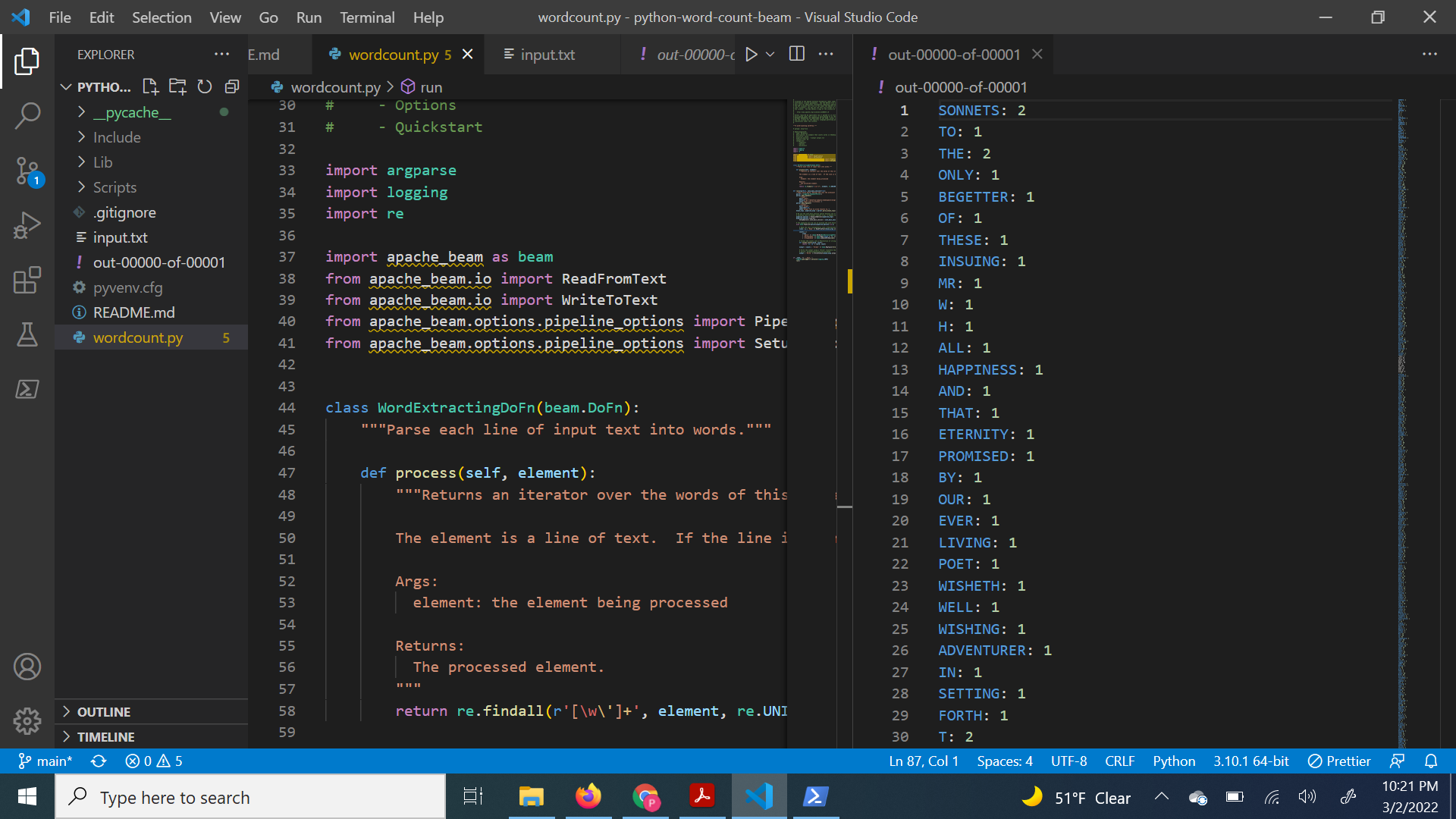
Steps to set up your Python development environment, get the Apache Beam SDK for Python, and run an example pipeline.
-
Create a new folder named python-word-count-beam and open powershell as administrator at this directory.
-
Add wordcount.py and input.txt from quick start examples.
-
Install pip.
pip --version
- Upgrade to latest pip version.
python -m pip install --upgrade pip
- Create and activate a virtual environment
python -m venv C:\path\to\directory

C:\path\to\directory\Scripts\activate.ps1
- Download and install Apache Beam.
python -m pip install apache-beam
- Execute the wordcount.py
python -m apache_beam.examples.wordcount --input /path/to/inputfile --output /path/to/write/counts