- Using LM Studio as a local OpenAI-compatible backend
- Supported LM Studio endpoints
- GGUF Broad Adoption in the Local Ecosystem
- Downloading models with LM Studio (HuggingFace integration)
- Usage examples
Warning
This section is not a tutorial about LM Studio.
It only explains what is required to use LM Studio as a local backend for the Delphi GenAI wrapper.
Download LM Studio: https://lmstudio.ai
This section assumes you are already familiar with LM Studio (loading models, starting its local OpenAI server, selecting a port, etc.).
LM Studio exposes a minimal but fully OpenAI-compatible HTTP server. Because the Delphi GenAI wrapper sends standard OpenAI-format requests, you can run any GGUF model supported by LM Studio as a drop-in replacement for cloud OpenAI models.
Example of model families supported through LM Studio:
- mistralai/mistral-7b-instruct-v0.3
- openai/gpt-oss-20b (official OpenAI open-weight model)
- Llama 3 / 3.1
- Gemma, Falcon, Qwen, NousResearch, etc.
To select a model:
Params.Model('model-name-as-exposed-by-LM-Studio');Note
LM Studio may rename models in the OpenAI Server panel. Always check the exact identifier displayed there.
LM Studio currently implements the following OpenAI endpoints:
| HTTP | Endpoint | GenAI Route |
|---|---|---|
| GET | v1/models | TGenAI.Models |
| POST | v1/responses | TGenAI.Responses |
| POST | v1/chat/completions | TGenAI.Chat |
| POST | v1/completions | TGenAI.Completions |
| POST | v1/embeddings | TGenAI.Embeddings |
The Delphi GenAI wrapper implements the entire OpenAI API surface, but when configured for LM Studio, only these endpoints will be functional, as they are the only ones exposed by LM Studio.
All these routes also benefit from the full Delphi GenAI feature set, exactly as with the OpenAI cloud API. This includes:
- synchronous execution
- asynchronous execution
- streaming
- promises
- tools / function calling (if supported by the model)
- JSON mode
- parallel prompts
Note
GGUF is a universal, compact and optimized format for running LLMs locally on lightweight CPU/GPU systems, with built-in quantization and fully embedded metadata.
GGUF is now the standard format across virtually all local runtimes:
- llama.cpp (reference runtime)
- LM Studio
- Ollama (partially / internal conversion)
- Text Generation Web UI
- KoboldCpp
- Rustformers / candle
- LangChain local runtimes
- and many others.
Most open-weight models on HuggingFace provide GGUF builds, making them directly compatible with LM Studio.
Downloading models with LM Studio (HuggingFace models integration)
LM Studio can download GGUF models directly from HuggingFace using the lms command-line tool. Refer to the official documentation: LM Studio's CLI.
This allows you to run high-quality models locally, without depending on OpenAI’s cloud API.
-
openai/gpt-oss-20bA medium-sized open-weight model suitable for local inference. (21B parameters with ~3.6B active parameters.)lms get openai/gpt-oss-20b
Once downloaded, the model appears automatically in LM Studio’s OpenAI Server panel.
You can then use it directly with the Delphi GenAI wrapper:
Params.Model('openai/gpt-oss-20b');
Simply run:
lms get <namespace/model>Then select the model:
Params.Model('<namespace/model>');LM Studio handles downloading, indexing, loading the GGUF weights, and exposing the model through the OpenAI-compatible HTTP API.
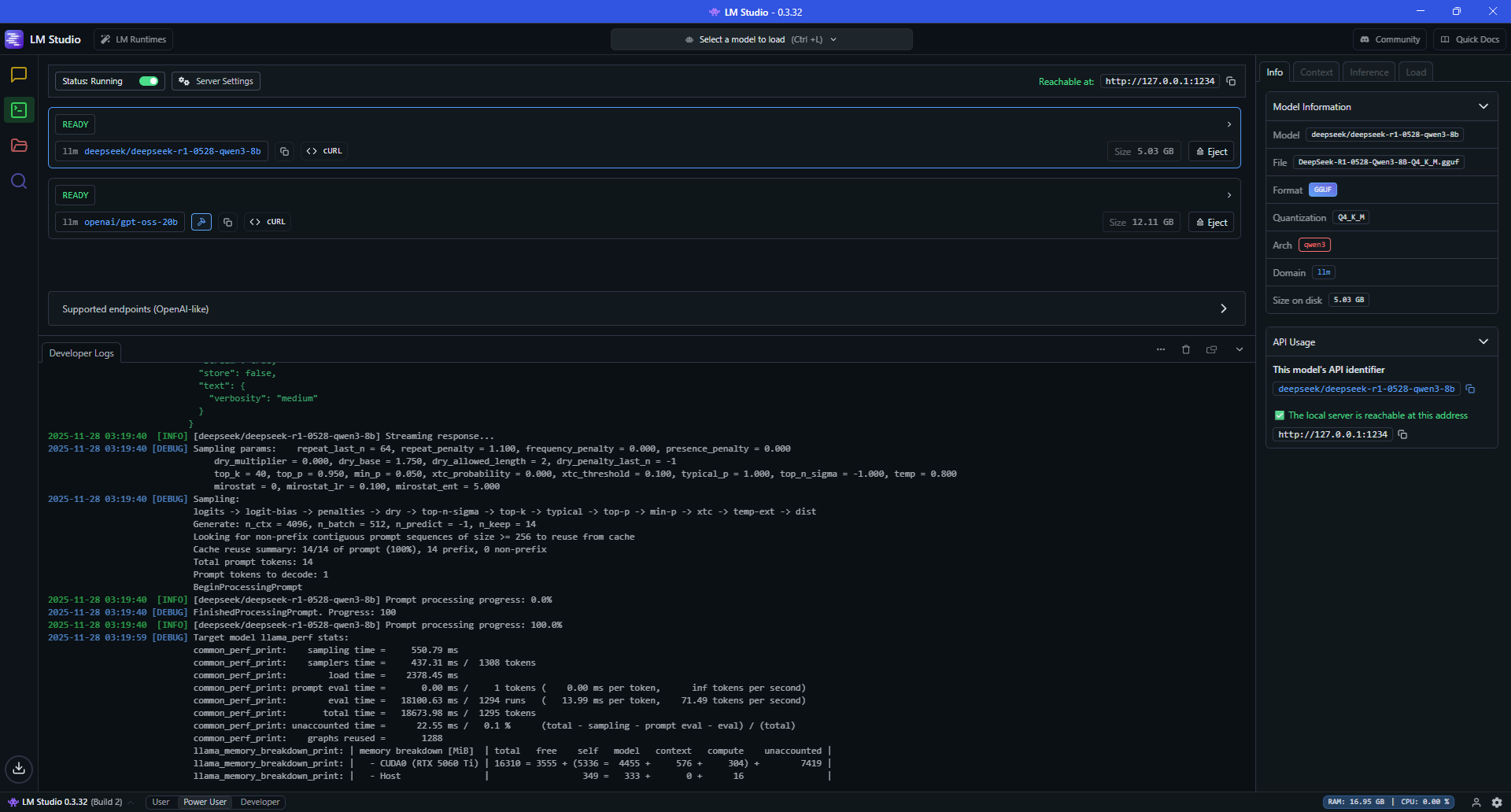
Ensure that the LM Studio HTTP server is running. You can verify this in the LM Studio UI, or start the server manually:
lms server startFor more information, refer to the LMS documentation
To initialize the API instance:
Note
//uses GenAI, GenAI.Types;

//Declare
//  Client: IGenAI;

 // Local client (LM Studio – OpenAI compatible server)
 Client := TGenAIFactory.CreateLMSInstance; // default: http://127.0.0.1:1234/v1

 // or
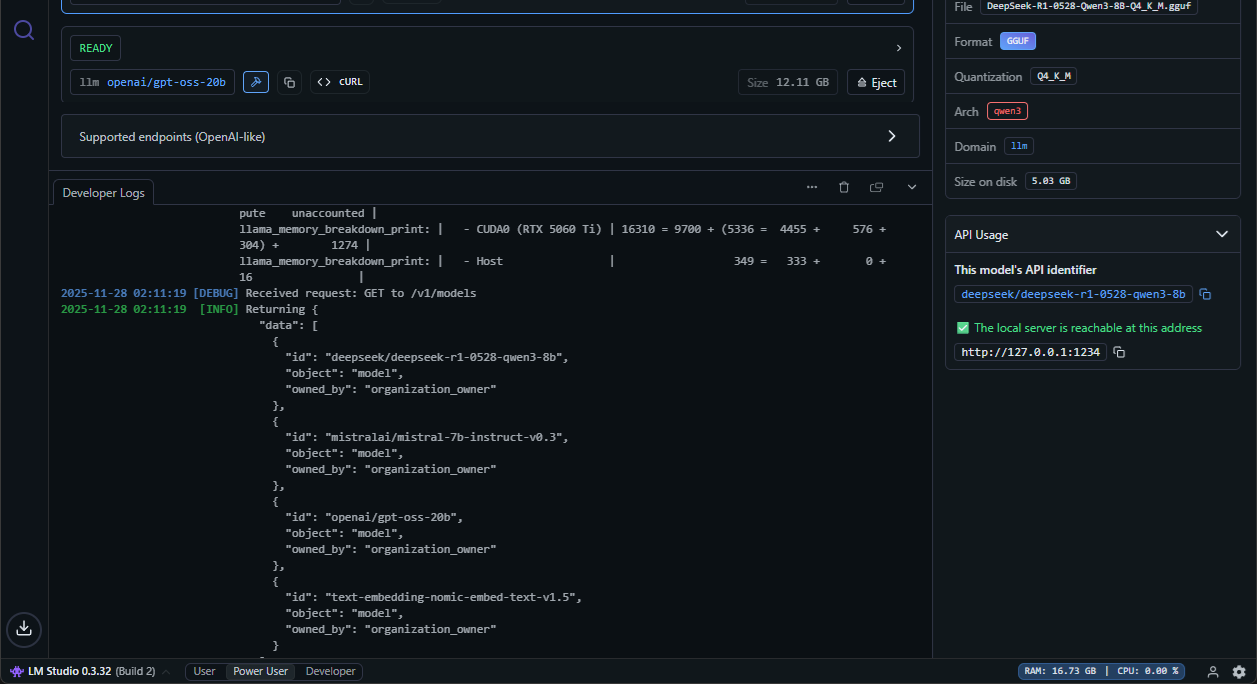
//Client := TGenAIFactory.CreateLMSInstance('http://192.168.1.10:1234');Endpoint : GET /v1/models
Refer to the code snippets which can be used directly in this context.
You can also monitor the request directly in LM Studio:
-
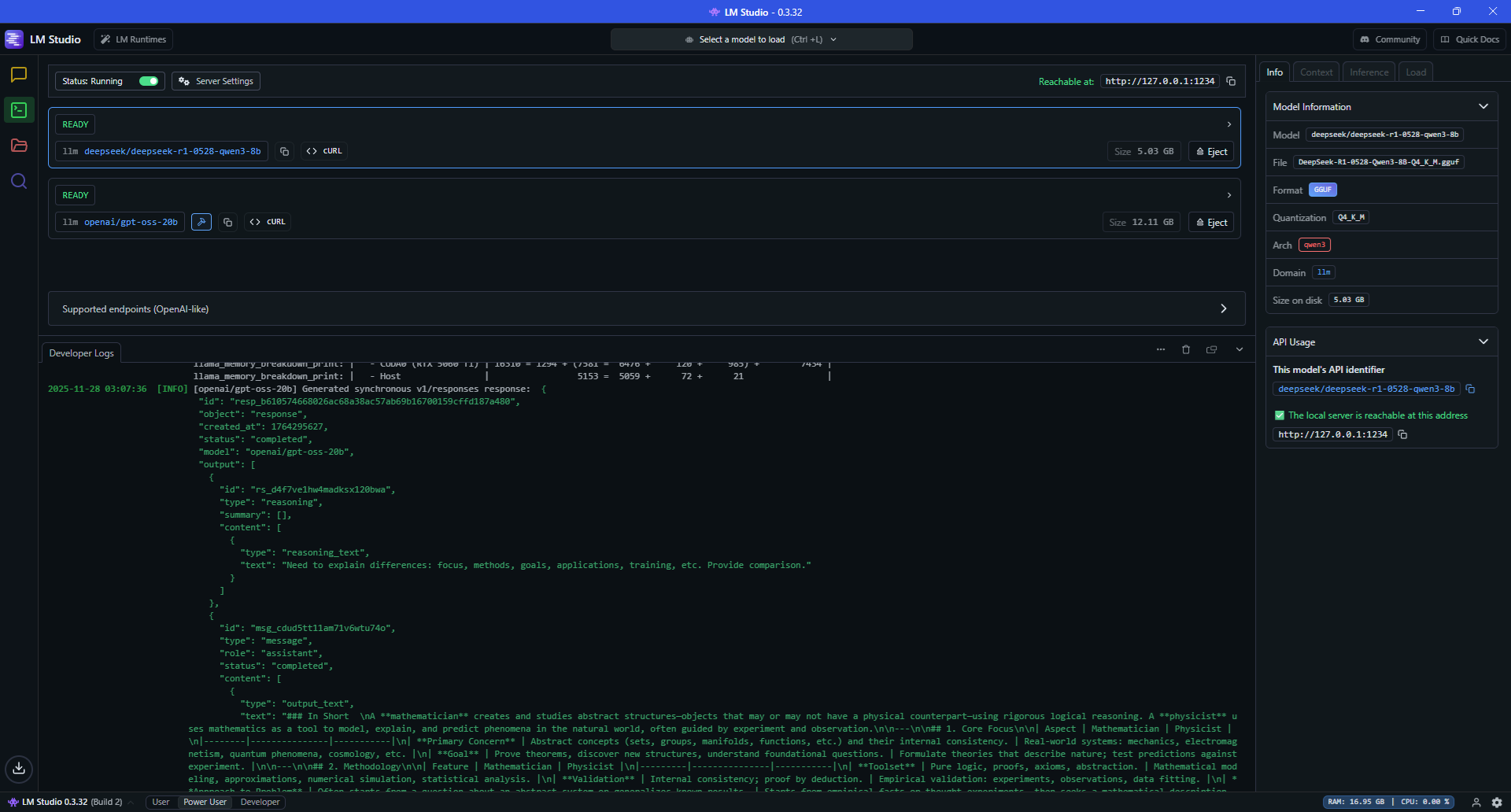
Non-streaming example with the
openai/gpt-oss-20bmodel//uses GenAI, GenAI.Types, GenAI.Tutorial.VCL; TutorialHub.JSONRequestClear; //Asynchronous example Client.Responses.AsynCreate( procedure (Params: TResponsesParams) begin Params.Model('openai/gpt-oss-20b'); Params.Input('What is the difference between a mathematician and a physicist?'); Params.Store(False); // Response not stored //Params.conversation('conv_68f4de2260348193b6cbaa1a55d6673905e7c3018568d016'); to use conversation TutorialHub.JSONRequest := Params.ToFormat(); end, function : TAsynResponse begin Result.Sender := TutorialHub; Result.OnStart := Start; Result.OnSuccess := procedure (Sender: TObject; Response: TResponse) begin Display(Sender, Response); Ids.Add(Response.Id); end; Result.OnError := Display; end);
-
Streaming example with the
deepseek/deepseek-r1-0528-qwen3-8bmodelEnsure that the model
deepseek/deepseek-r1-0528-qwen3-8bhas been added to LM Studio’s model list. If not, run:lms get deepseek/deepseek-r1-0528-qwen3-8b
Code using Delphi GenAI:
//uses GenAI, GenAI.Types, GenAI.Tutorial.VCL;

TutorialHub.JSONRequestClear;

//Asynchronous example
Client.Responses.AsynCreateStream(
  procedure(Params: TResponsesParams)
  begin
    Params.Model('deepseek/deepseek-r1-0528-qwen3-8b');
    Params.Input('What is the difference between a mathematician and a physicist?');
    Params.Store(False);  // Response not stored
    Params.Stream;
    TutorialHub.JSONRequest := Params.ToFormat();
  end,
  function : TAsynResponseStream
  begin
    Result.Sender := TutorialHub;
    Result.OnStart := Start;
    Result.OnProgress := DisplayStream;
    Result.OnError := Display;
    Result.OnDoCancel := DoCancellation;
    Result.OnCancellation := Cancellation;
  end);